



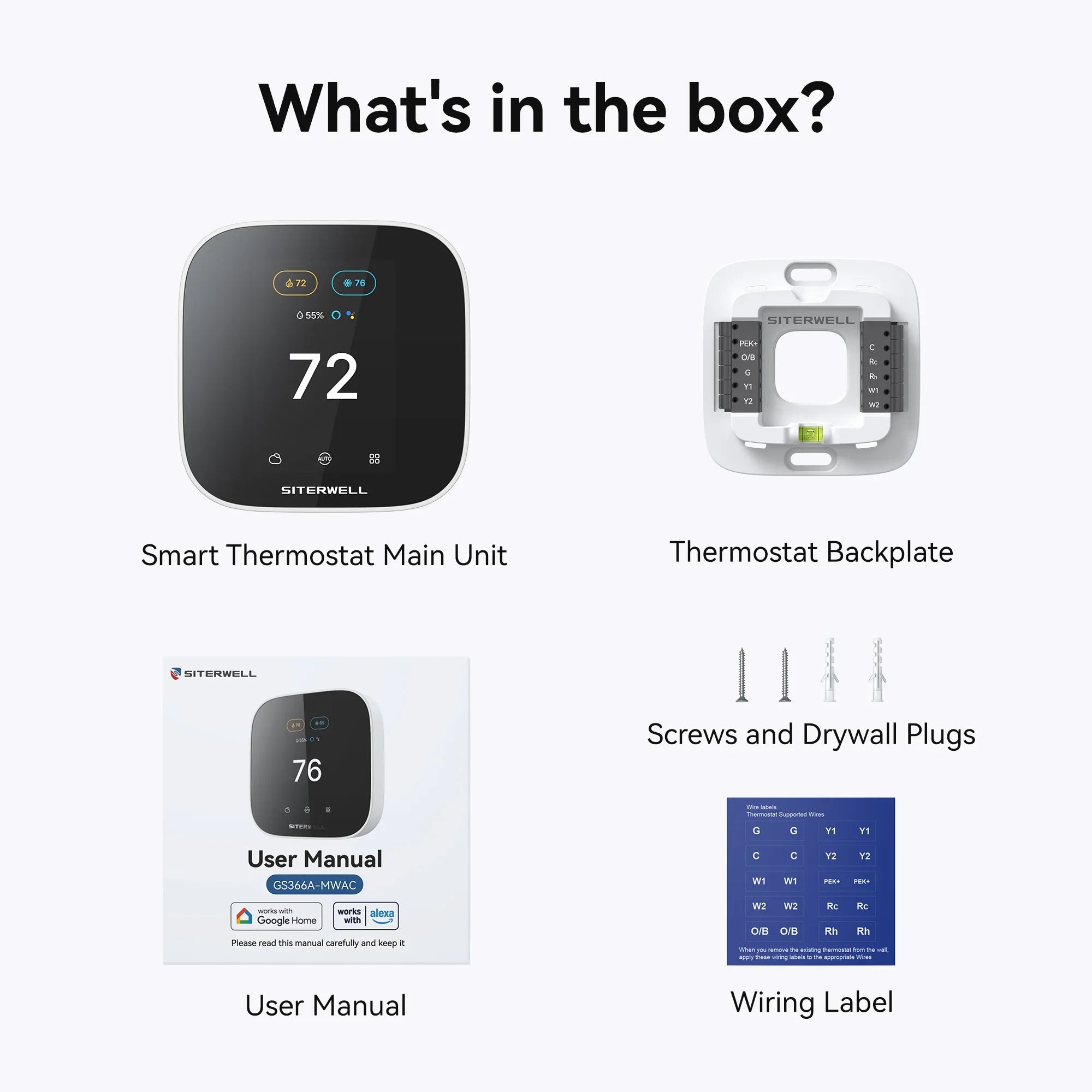

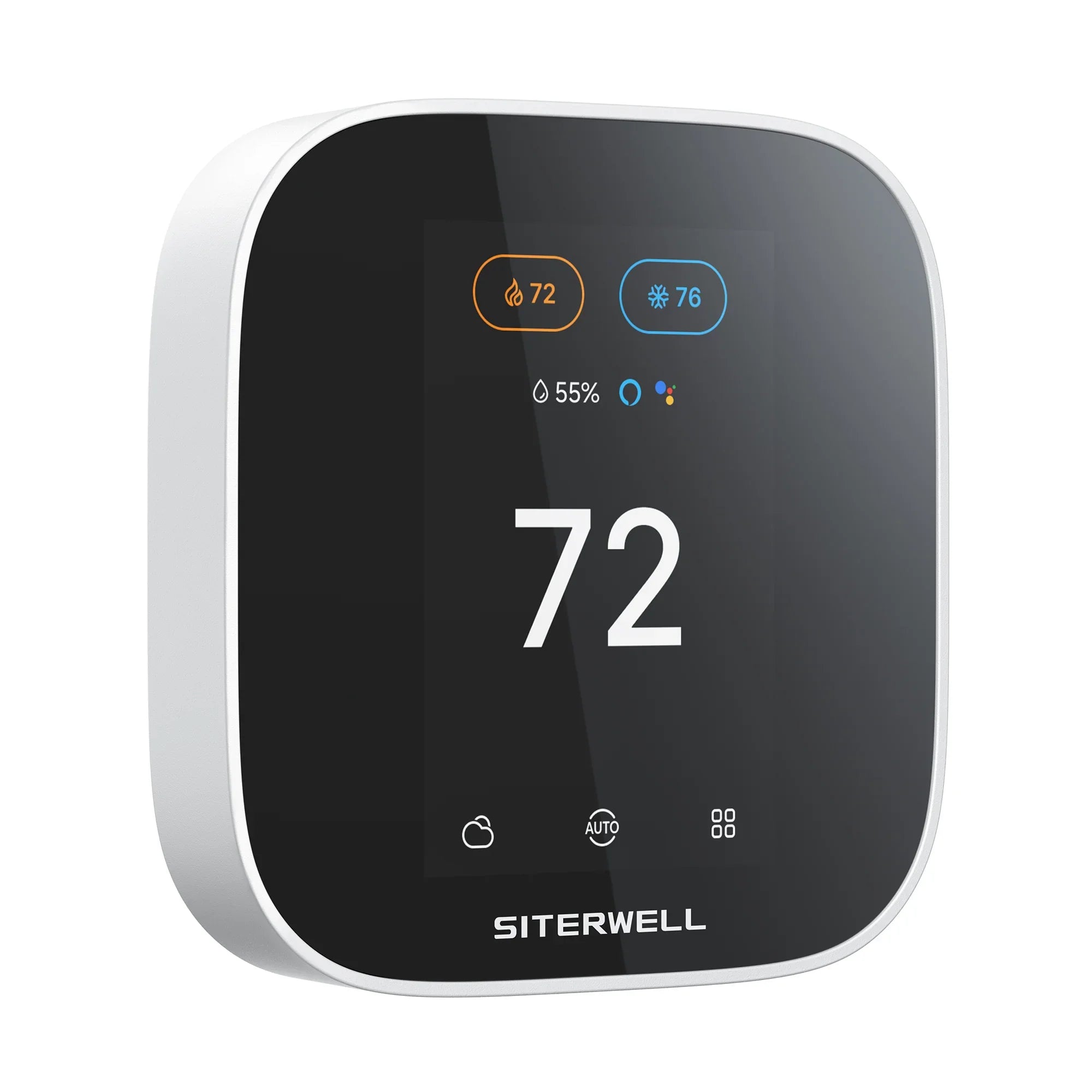

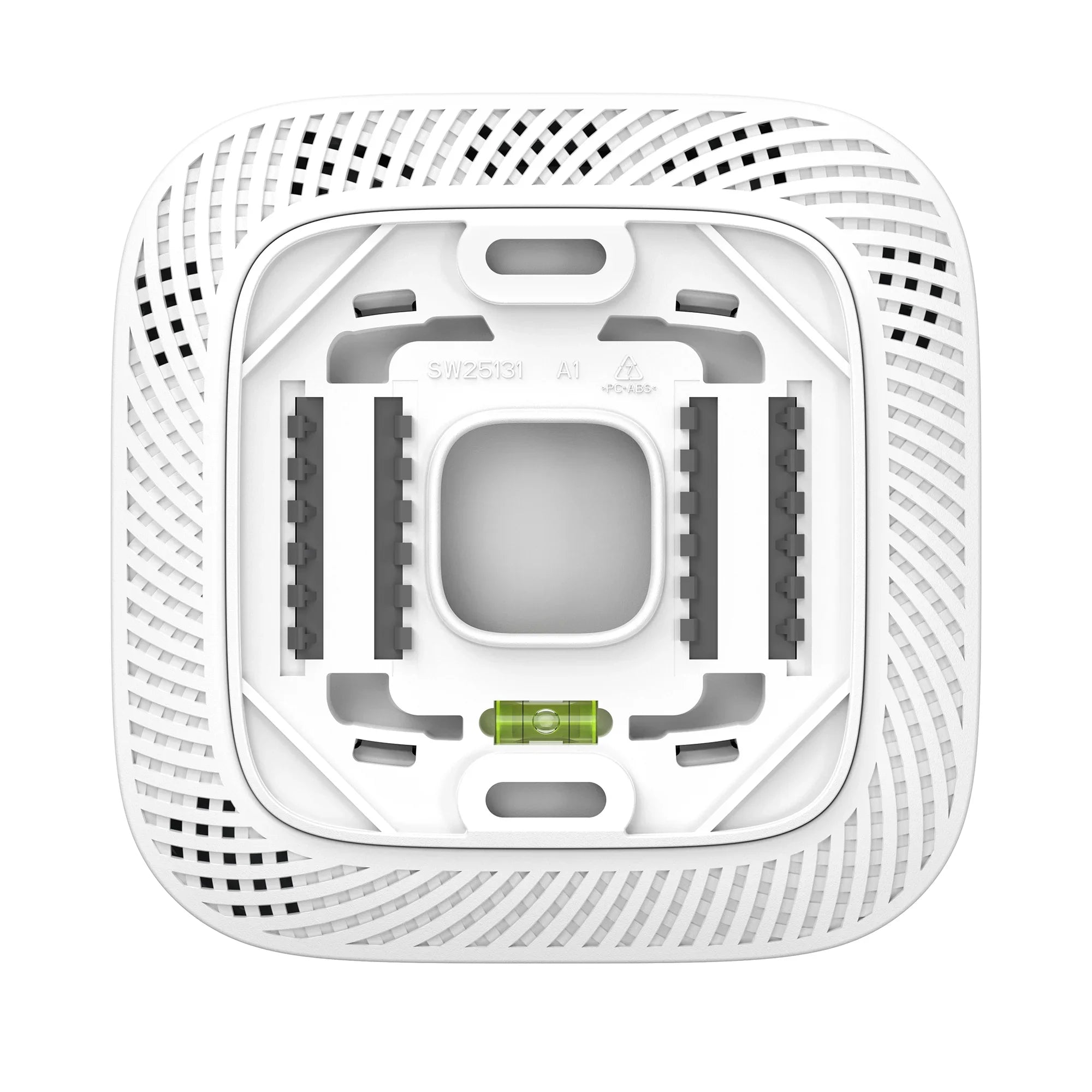
PEK support · 3-year limited warranty


INTRODUCING GS366A-MWAC Smart Thermostat


Control GS366A-MWAC
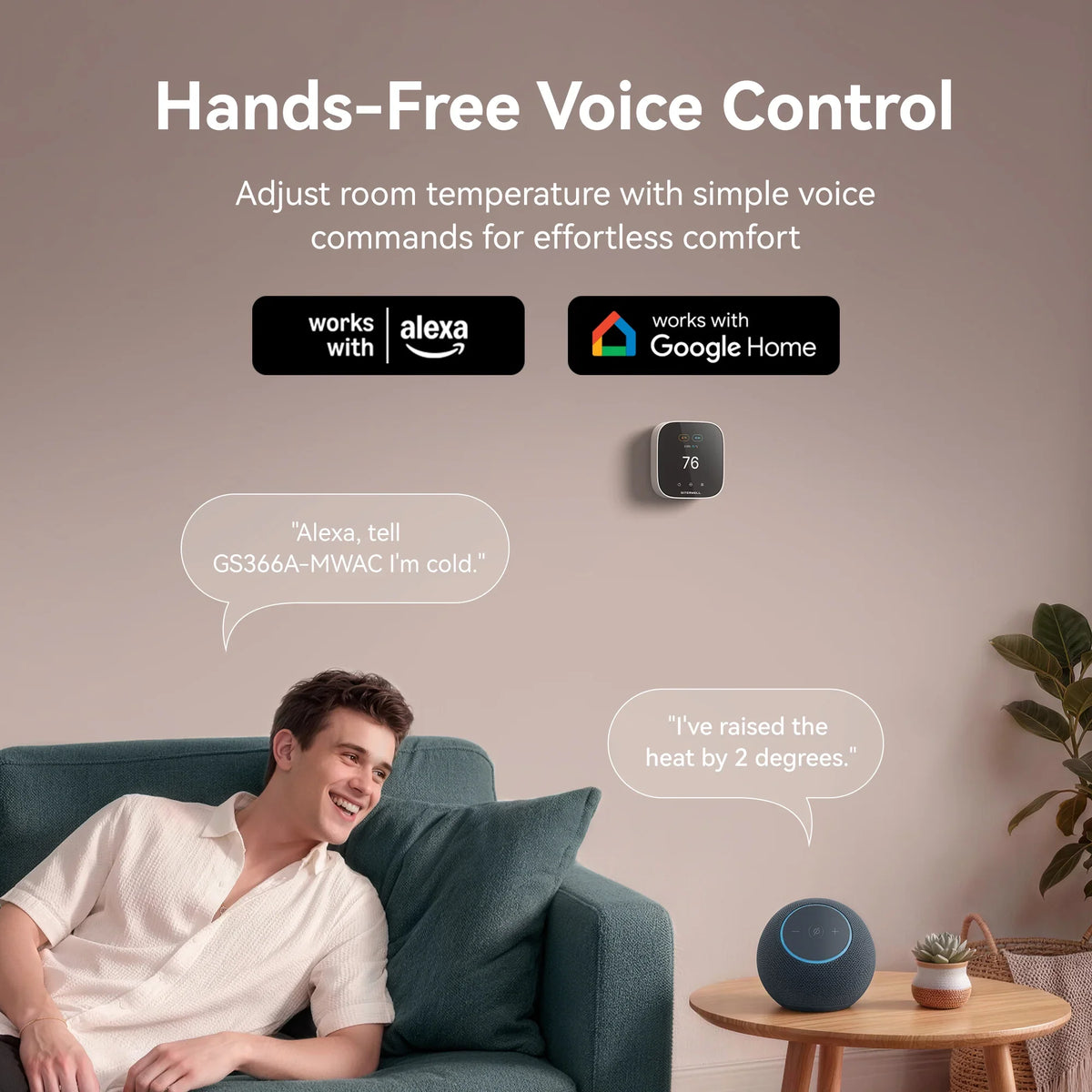
with Alexa or Google home
Control with your voice, or from your device


Reduce unnecessary energy use while you’re away, whether for the day or on vacation
Reduce unnecessary energy use while you’re away, whether for the day or on vacation

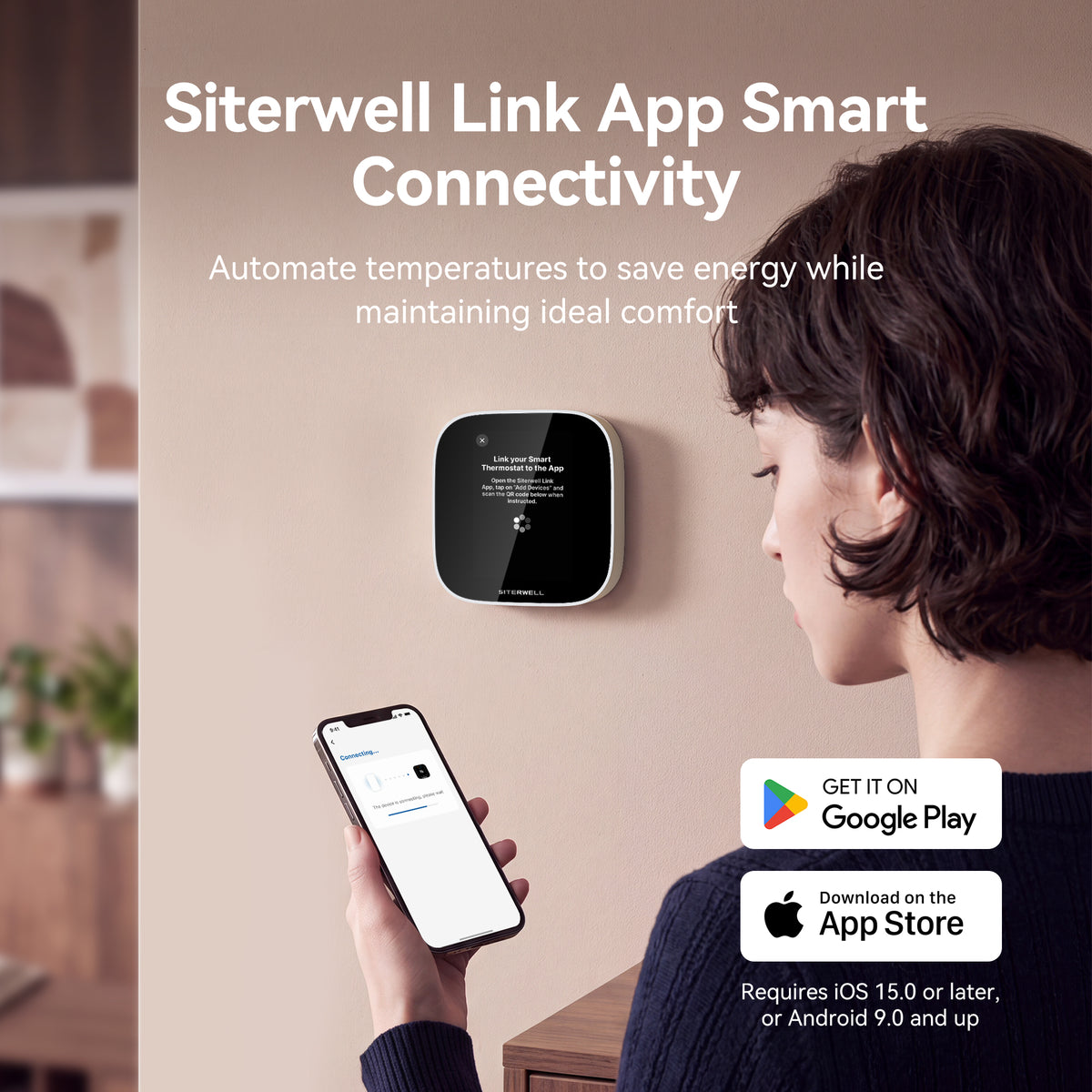
Adjust temperature, modes, fan, and schedules in the Siterwell Link App
Adjust temperature, modes, fan,
and schedules in the Siterwel Link app


Set schedules, change modes and manage your home comfort from wherever you are
Set schedules, change modes and manage your home comfort from wherever you are


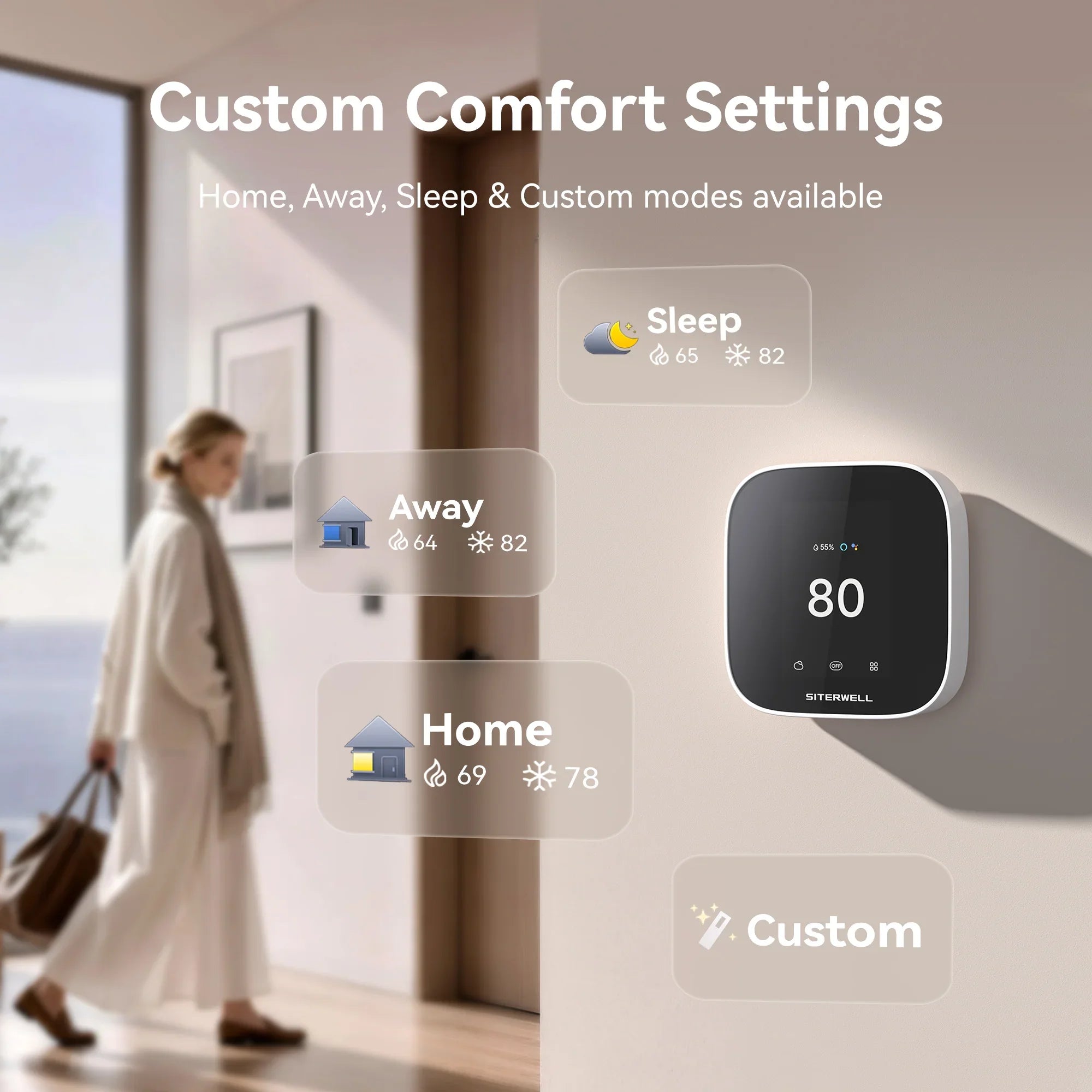
Home, Away, Vacation, and custom schedules, all in the Siterwell Link App.
Home, Away, Vacation, and custom schedules, all in the Siterwell Link App.


Common questions about our products
The GS366A-MWAC works with most 24 VAC residential HVAC systems, including conventional heating and cooling systems, heat pumps, and many gas, oil, electric, and dual-fuel systems.
It is not designed for high-voltage, millivolt, DC-powered, solid-fuel, or many proprietary HVAC systems. Use the Siterwell Compatibility Checker before installation.
Most installations require either an existing C wire or the Siterwell GS136A-WCAN Power Extender Kit (PEK).
If your system does not have a C wire, the Compatibility Checker can help determine whether the PEK is an option.
The GS136A-WCAN Power Extender Kit provides the continuous 24 VAC power required by the thermostat when a compatible HVAC system does not have a C wire at the thermostat.
The PEK is not designed for dual-transformer systems.
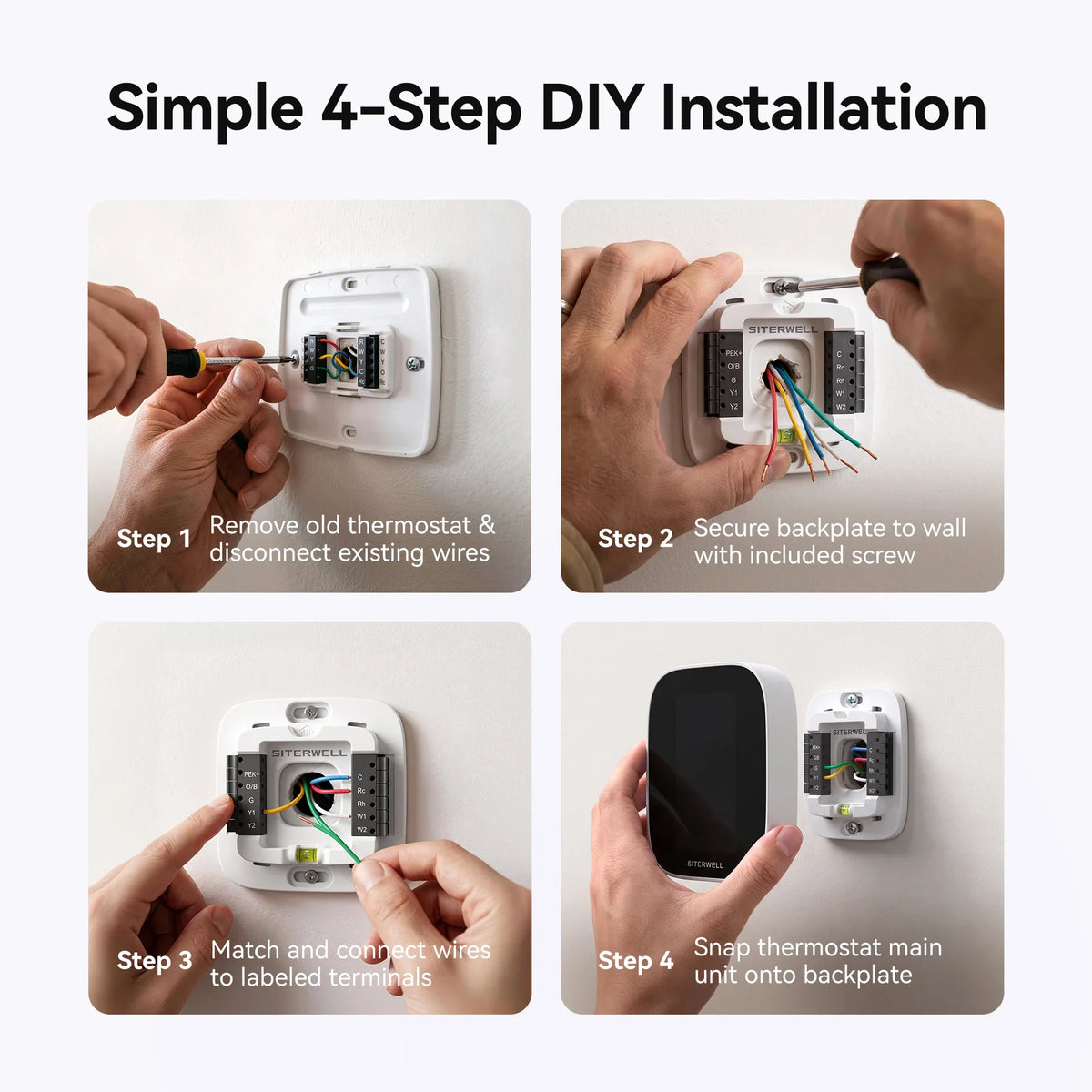
Yes. Many standard installations can be completed in about 45 minutes or less.
Before starting, turn off power to the HVAC system and confirm compatibility using the Siterwell Compatibility Checker or Siterwell Link app. Advanced or unusual systems should be installed by a qualified HVAC professional.
No.
Do not transfer short jumper wires such as an Rc–Rh jumper from your old thermostat. The GS366A-MWAC handles the required connection internally.
If your system has only one R-family wire—R, Rc, or Rh—it normally connects to Rc.
Do not guess based on wire color.
Turn off HVAC power, take a clear photo of the existing wiring, and identify each wire using the terminal labels on the HVAC control board. The terminal connection determines the wire function.
If you cannot positively identify the wiring, contact a qualified HVAC professional.
The GS366A-MWAC supports Heat, Cool, Heat/Cool Auto, Aux, and Off modes depending on your HVAC configuration.
In Auto mode, you set separate heating and cooling temperatures, and the thermostat automatically selects heating or cooling as indoor conditions change.
The GS366A-MWAC supports a seven-day schedule built around Comfort Settings.
Home, Away, and Sleep settings are included by default, and additional Comfort Settings can be created in the Siterwell Link app. Each scheduled activity determines when a Comfort Setting begins.
A Hold temporarily overrides your normal schedule.
You can manually select a temperature or activate a saved Comfort Setting. When the Hold ends or is cancelled, the thermostat automatically returns to its normal schedule.
Vacation Mode lets you set departure and return times along with dedicated temperature and fan settings.
The thermostat maintains your vacation settings while you are away and can return to your normal comfort settings when the vacation ends.
The thermostat can provide alerts for unusually high or low indoor temperatures, humidity conditions, heating or cooling performance, and excessive auxiliary-heat operation.
Available alerts depend on your HVAC configuration.
Weather information is based on the home address registered in the Siterwell Link app.
The thermostat must be registered to your account and connected to Wi-Fi. If weather information is missing or inaccurate, check the Wi-Fi connection and confirm the saved home address.
It is designed for 24V AC low-voltage residential HVAC systems, including conventional heating and cooling and heat pumps with auxiliary heat. It is not compatible with 110–240V line-voltage systems or millivolt systems. Use the compatibility checker before ordering.
The thermostat requires continuous 24V AC power at Rc and C. If your system has no C-wire, use the Siterwell GS136A-WCAN Power Extender Kit at the HVAC control board. It provides the missing common wire without pulling new thermostat cable. The PEK is sold separately.
No. For a single-transformer system, the thermostat bridges Rc and Rh internally. Do not install a physical jumper between the terminals. For a dual-transformer system, connect the cooling transformer to Rc and the heating transformer to Rh.
Yes. It uses dual-band Wi-Fi 6, supporting both 2.4 GHz and 5 GHz networks. The Siterwell Link app is used for setup and control. Check the manual for the supported network security settings.
Yes. Once the thermostat is connected through the Siterwell Link app, it can be linked with Amazon Alexa and Google Home for voice control of temperature and modes. Check the app for the exact commands supported.
A standard 24V AC installation follows the manual’s step-by-step wiring diagram. Advanced wiring, dual-transformer systems or unidentified wires should be handled by an HVAC professional. Turn off power at the breaker before working on HVAC wiring.
Yes. The Siterwell Link app lets you adjust temperature, modes, fan settings and schedules remotely, provided the thermostat is connected to Wi-Fi and the app is set up.
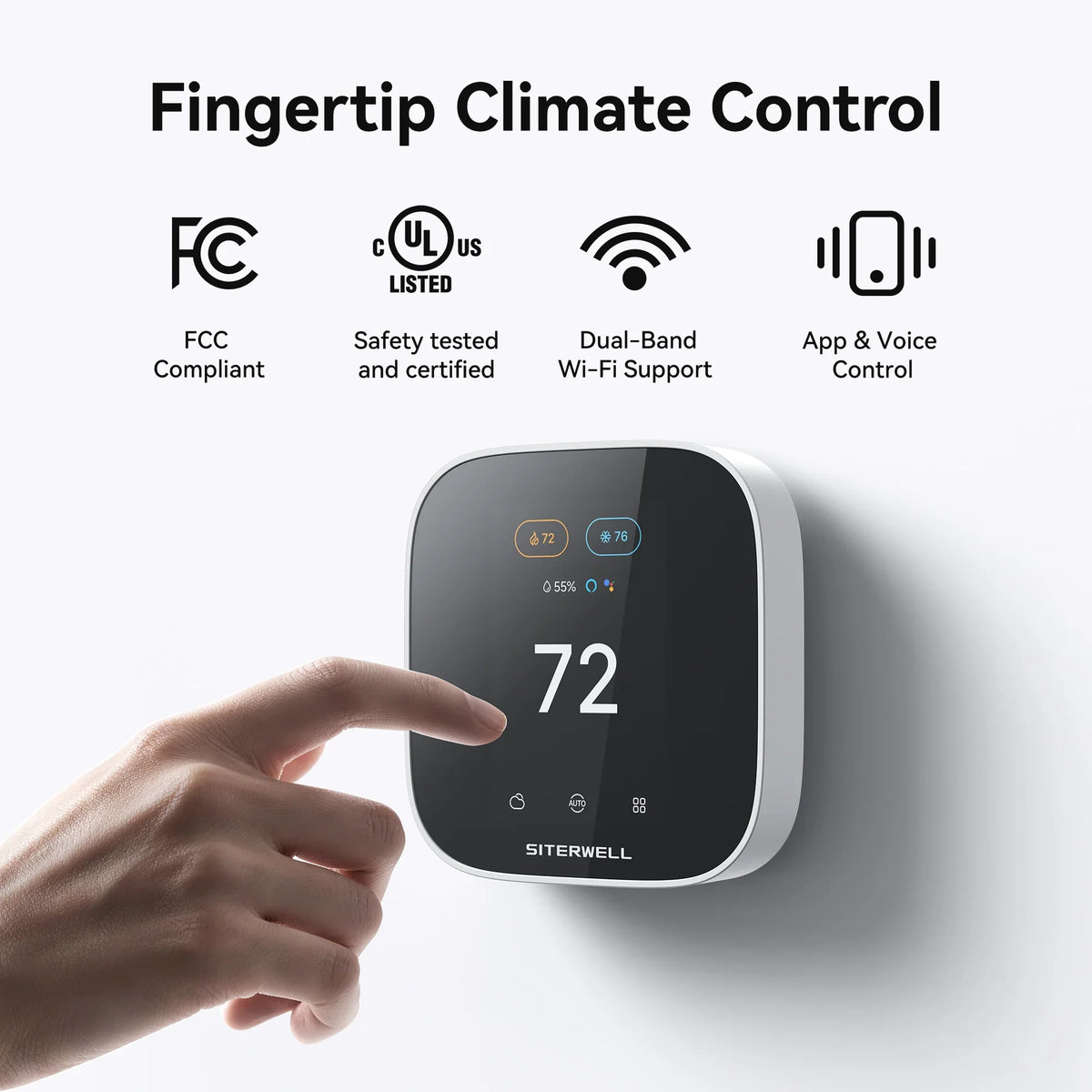
The product manual documents FCC Part 15 compliance. It does not state a UL listing; if UL certification is required for your code or inspection, ask support for the certificate before relying on it.
The manual lists a 3-year limited warranty. Keep your receipt, because warranty claims require proof of purchase.
No. It is not designed for 110V, 120V or 240V line-voltage systems, millivolt systems or unsupported two-wire installations. Use a thermostat rated for those systems instead.
