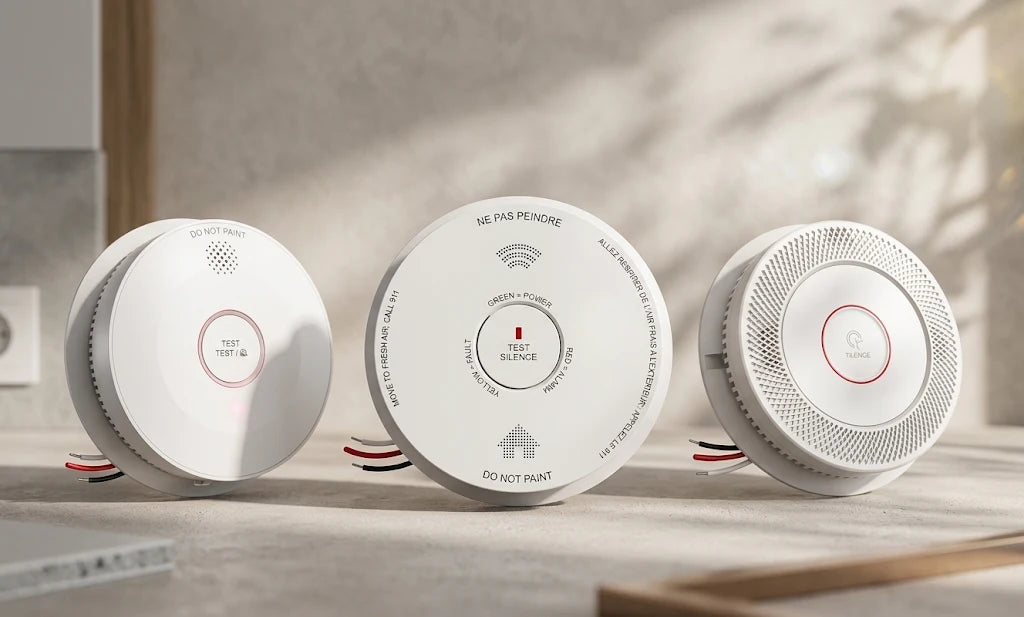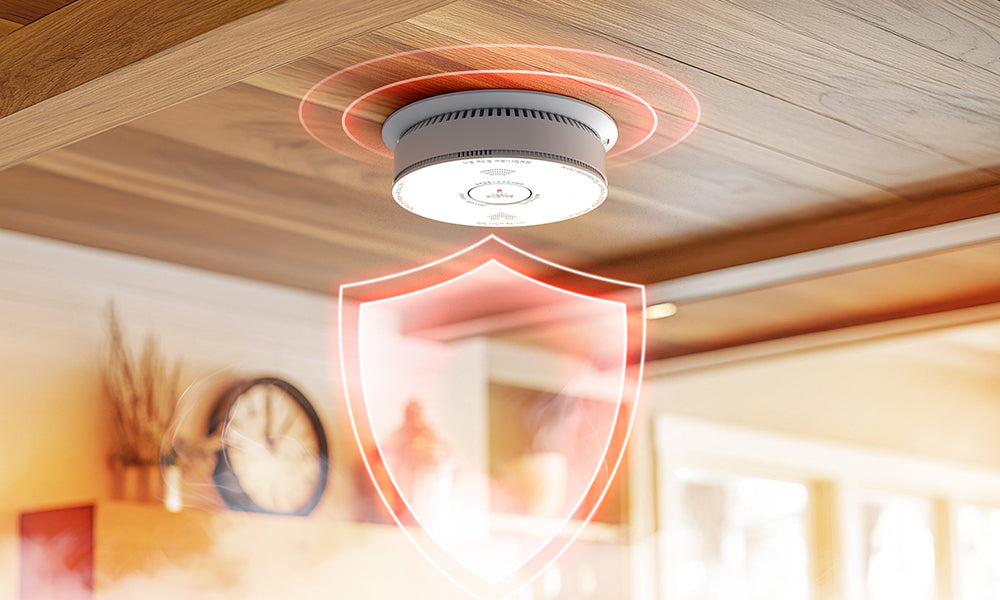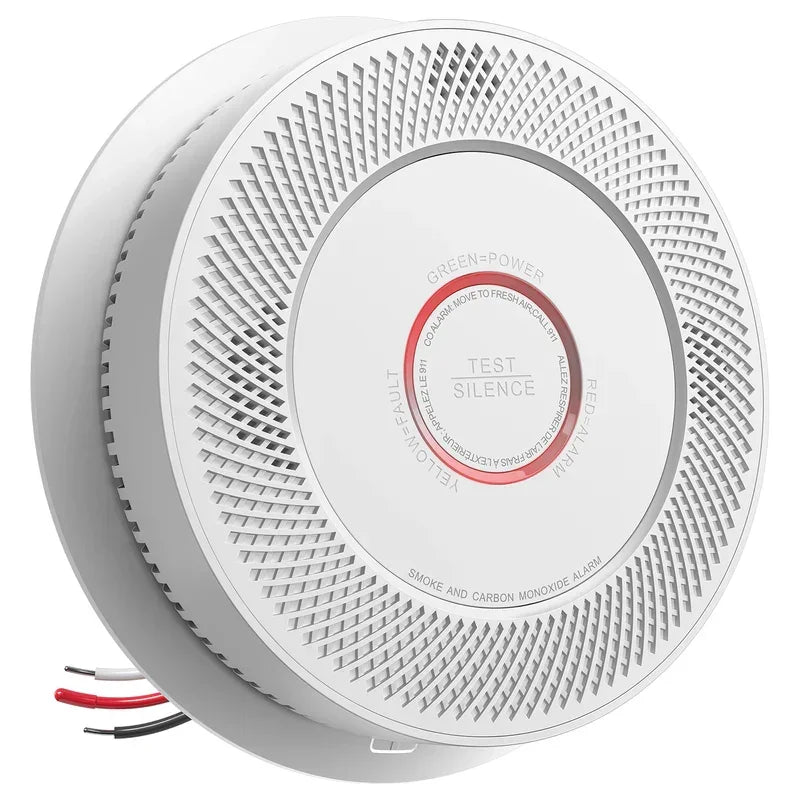




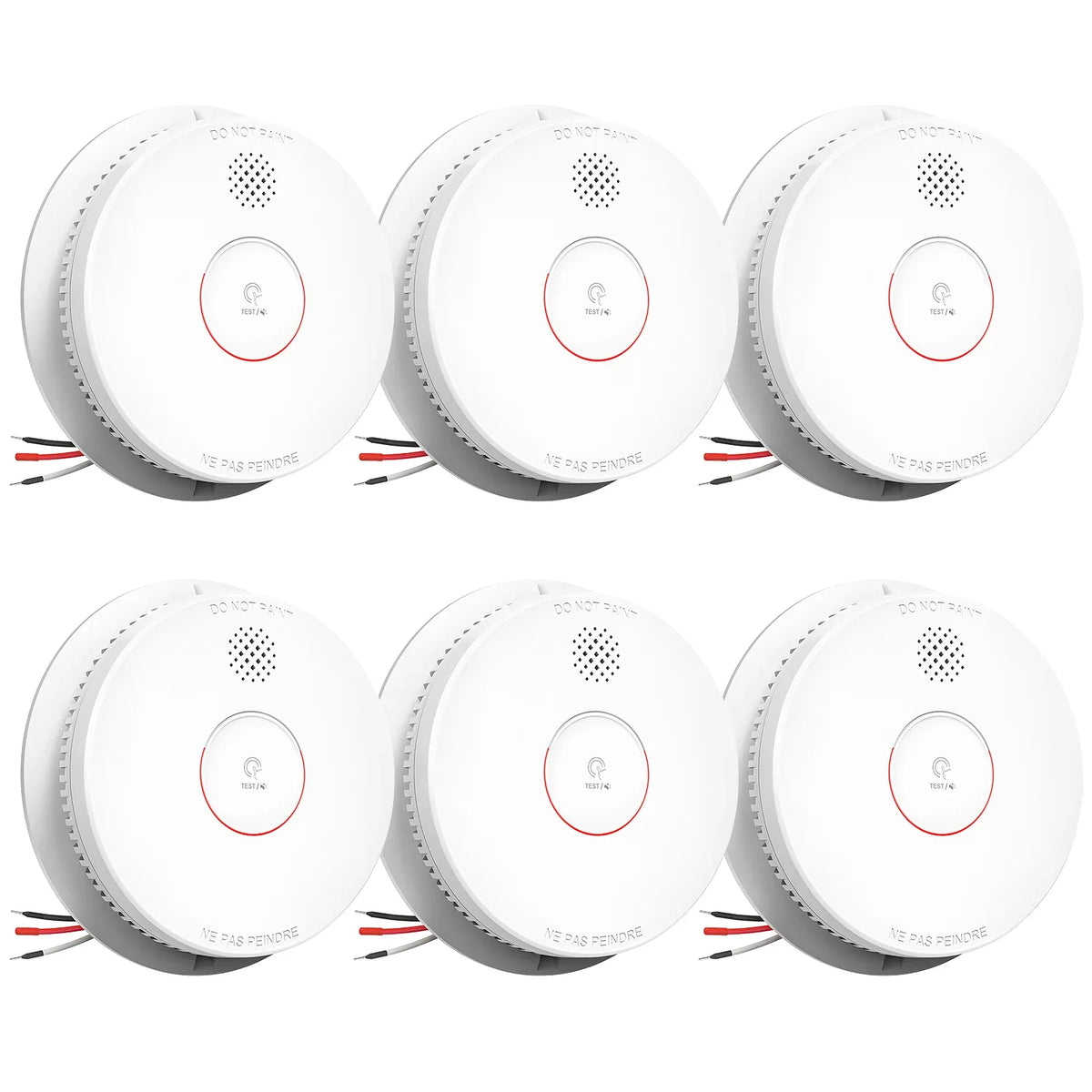
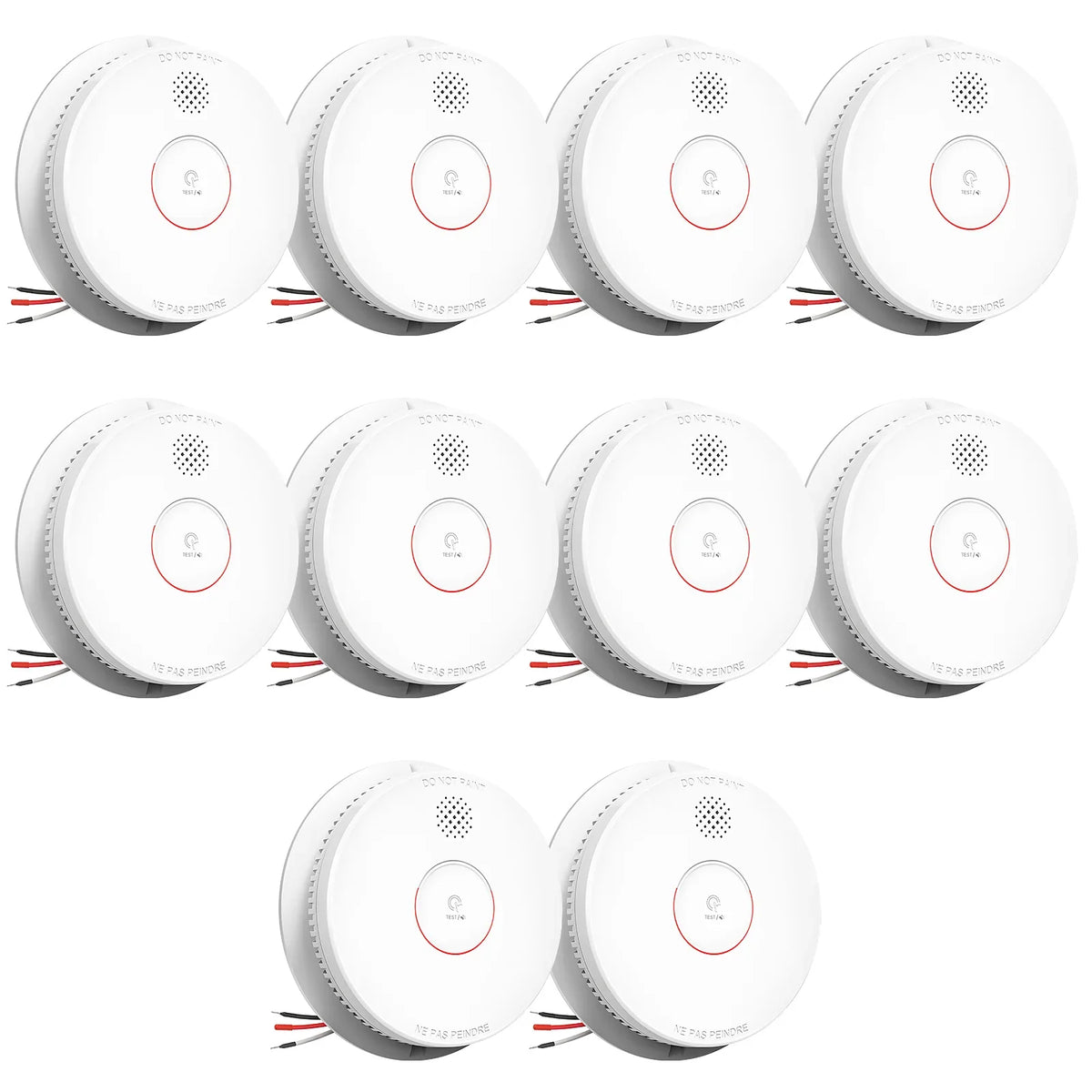
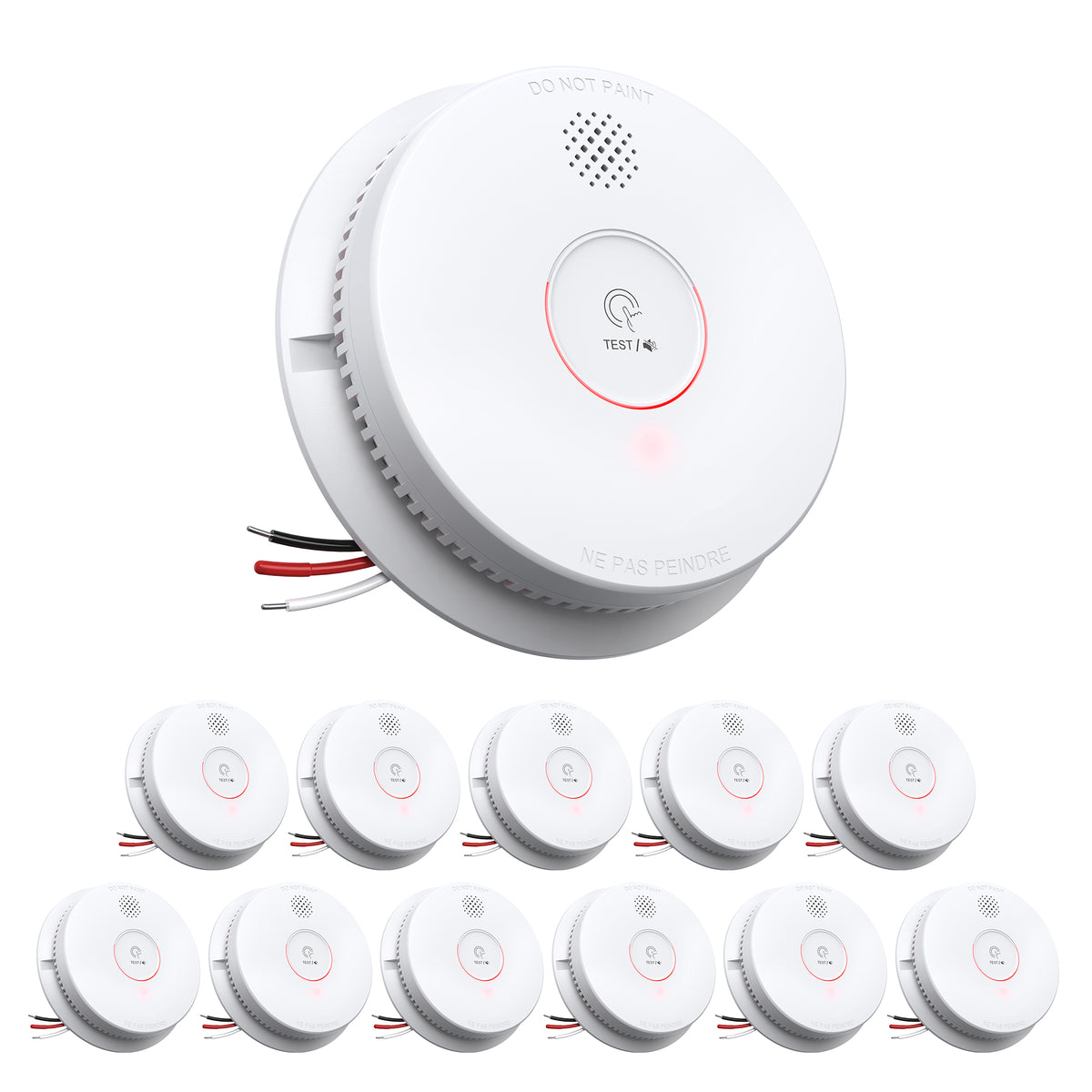
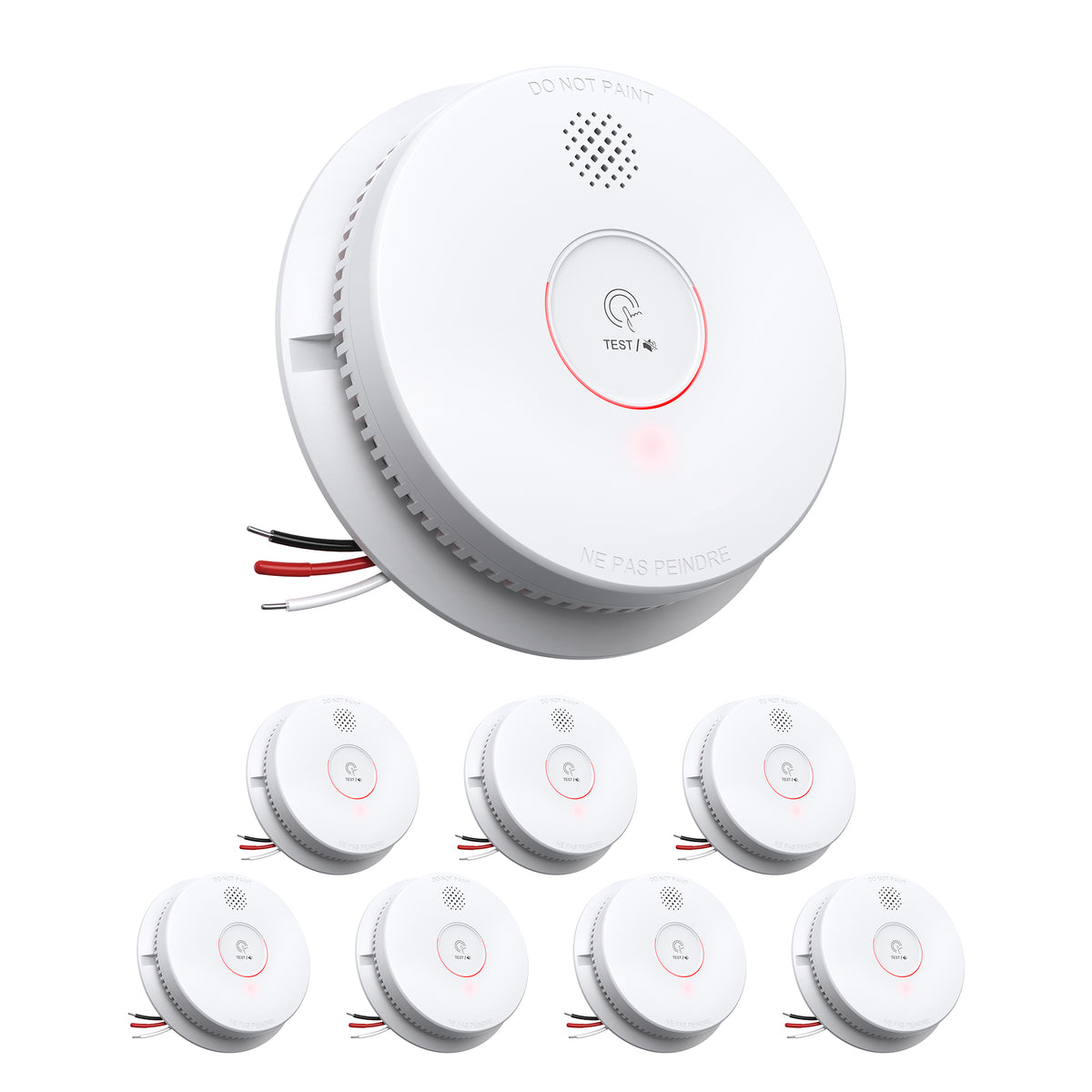
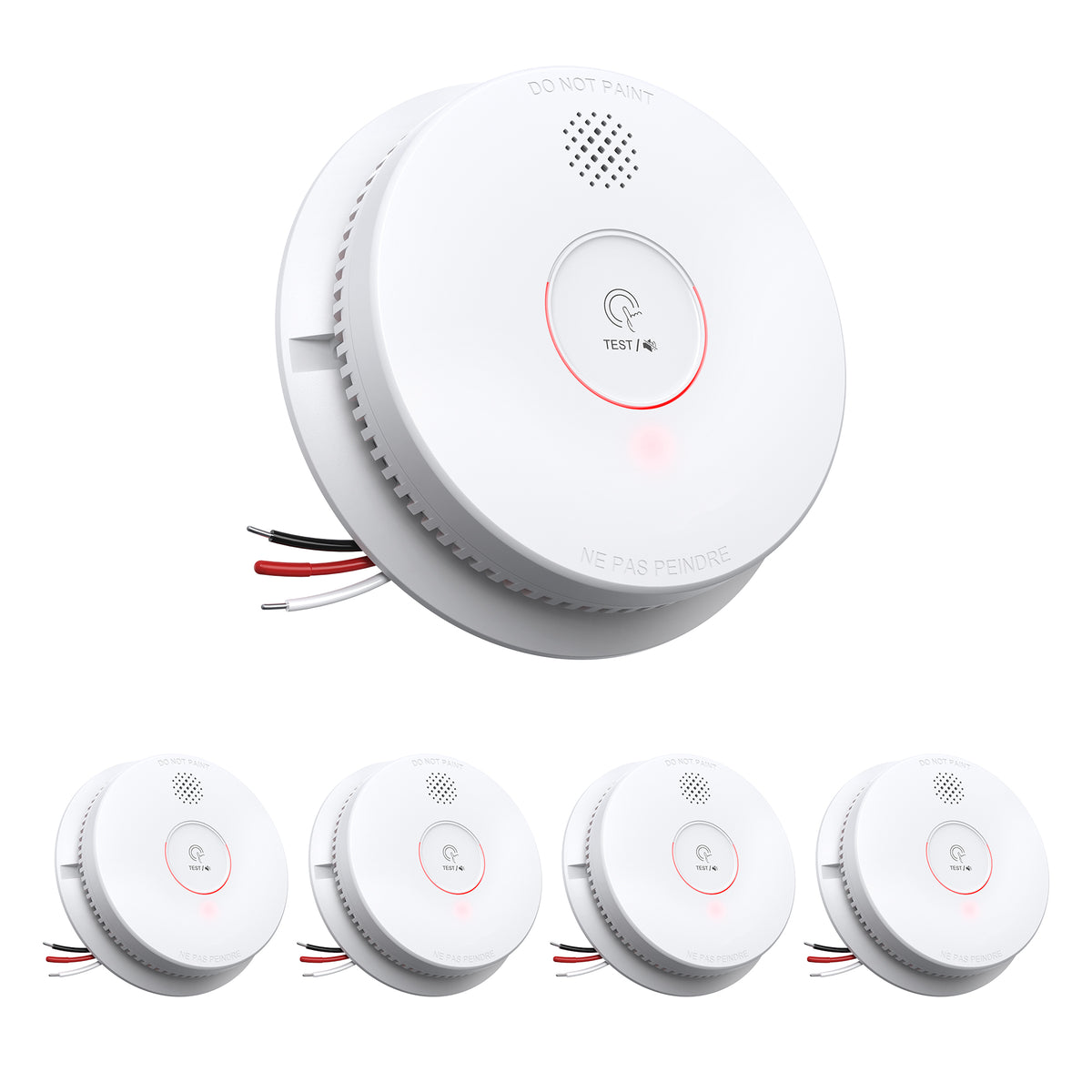
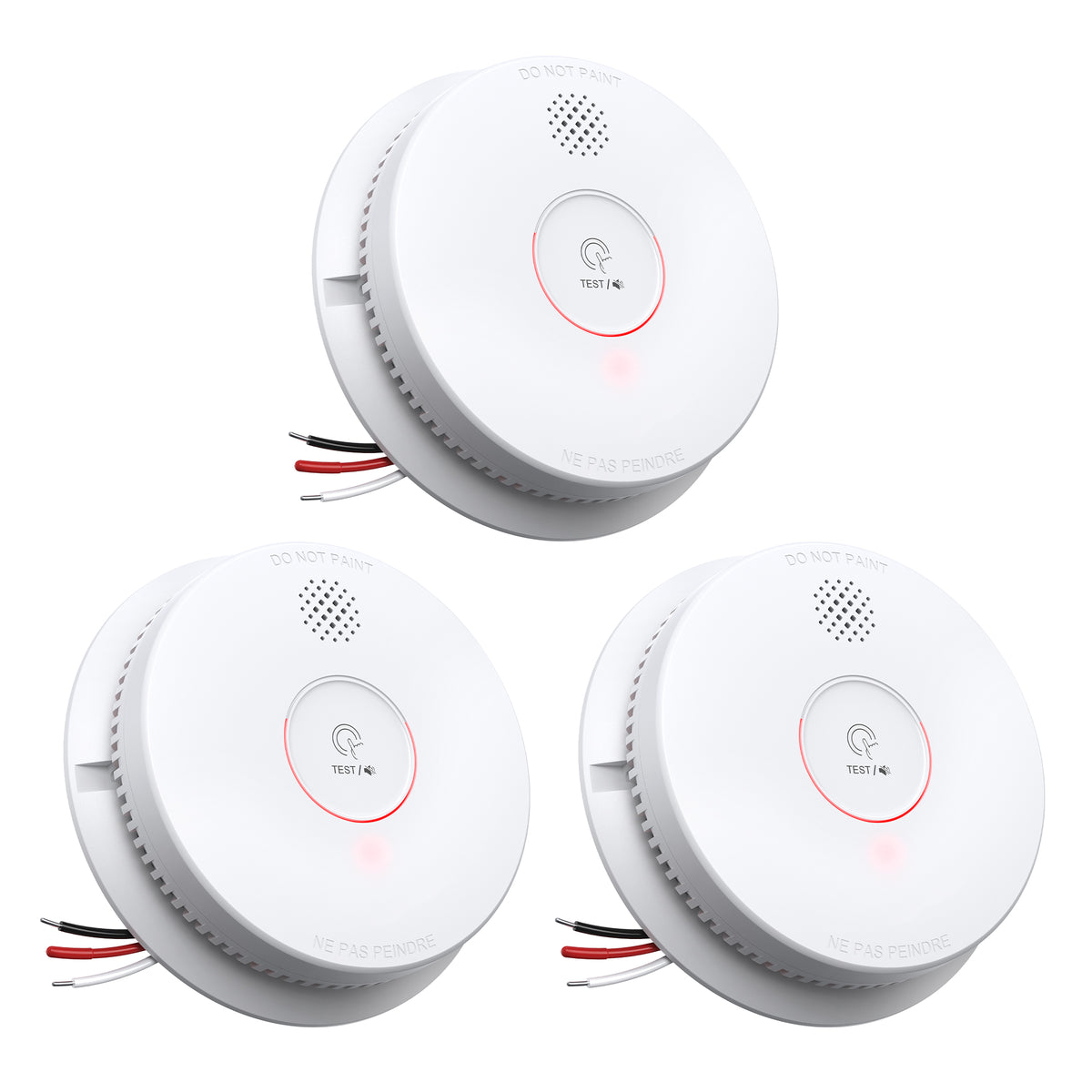
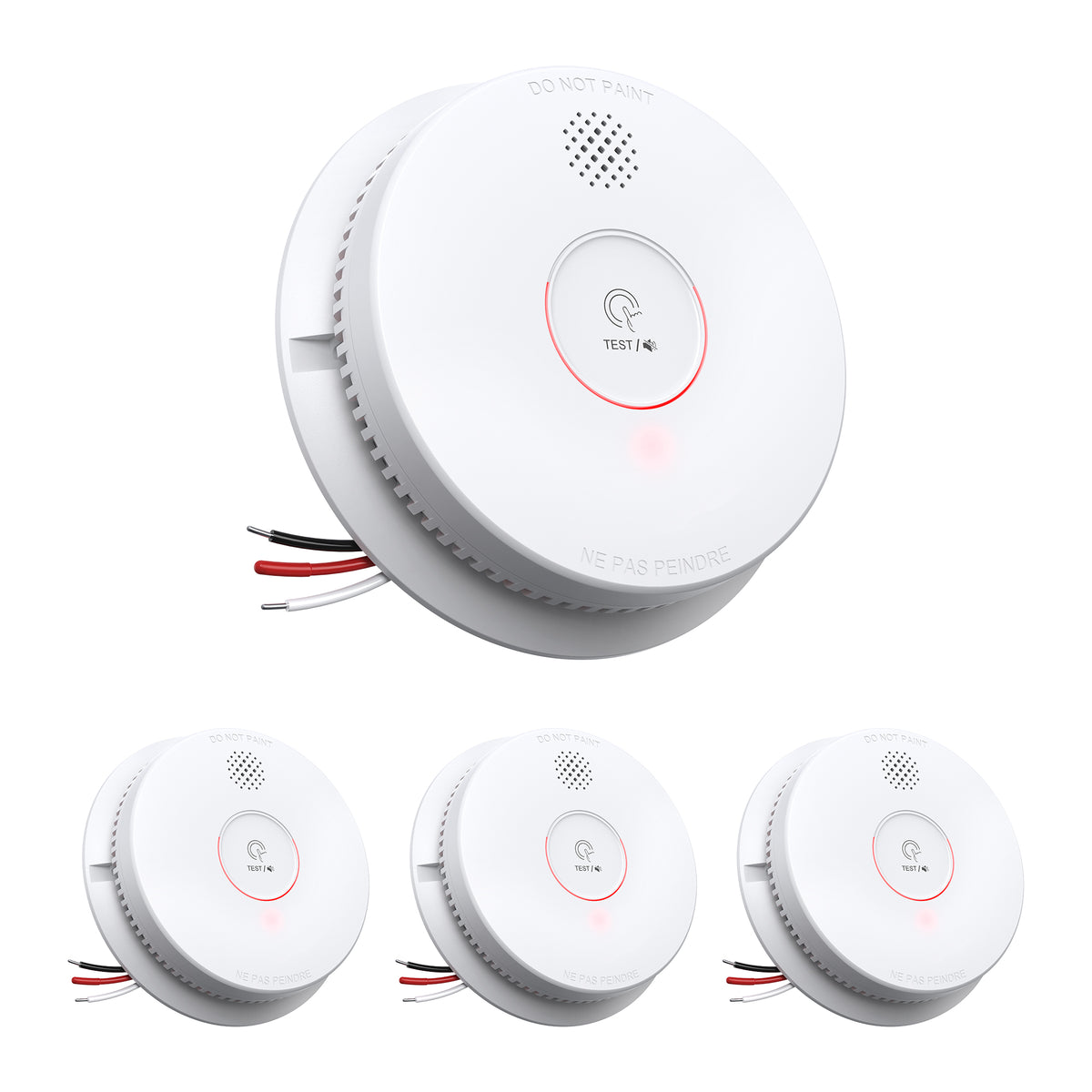
GS562A Hardwired Interconnected Smoke Detector with Test/Silence Button
GS562A: Hardwired smoke detection with 9V battery backup
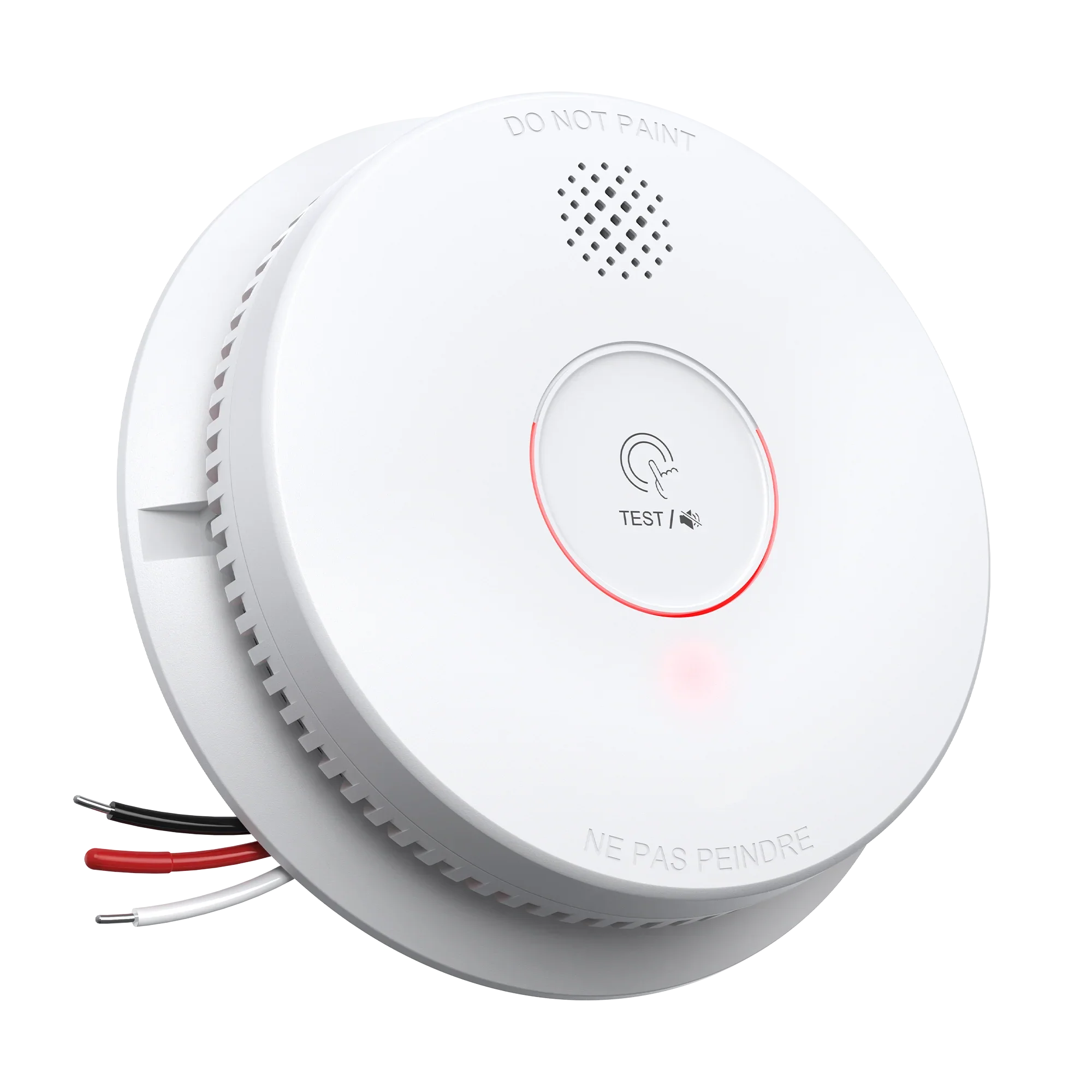
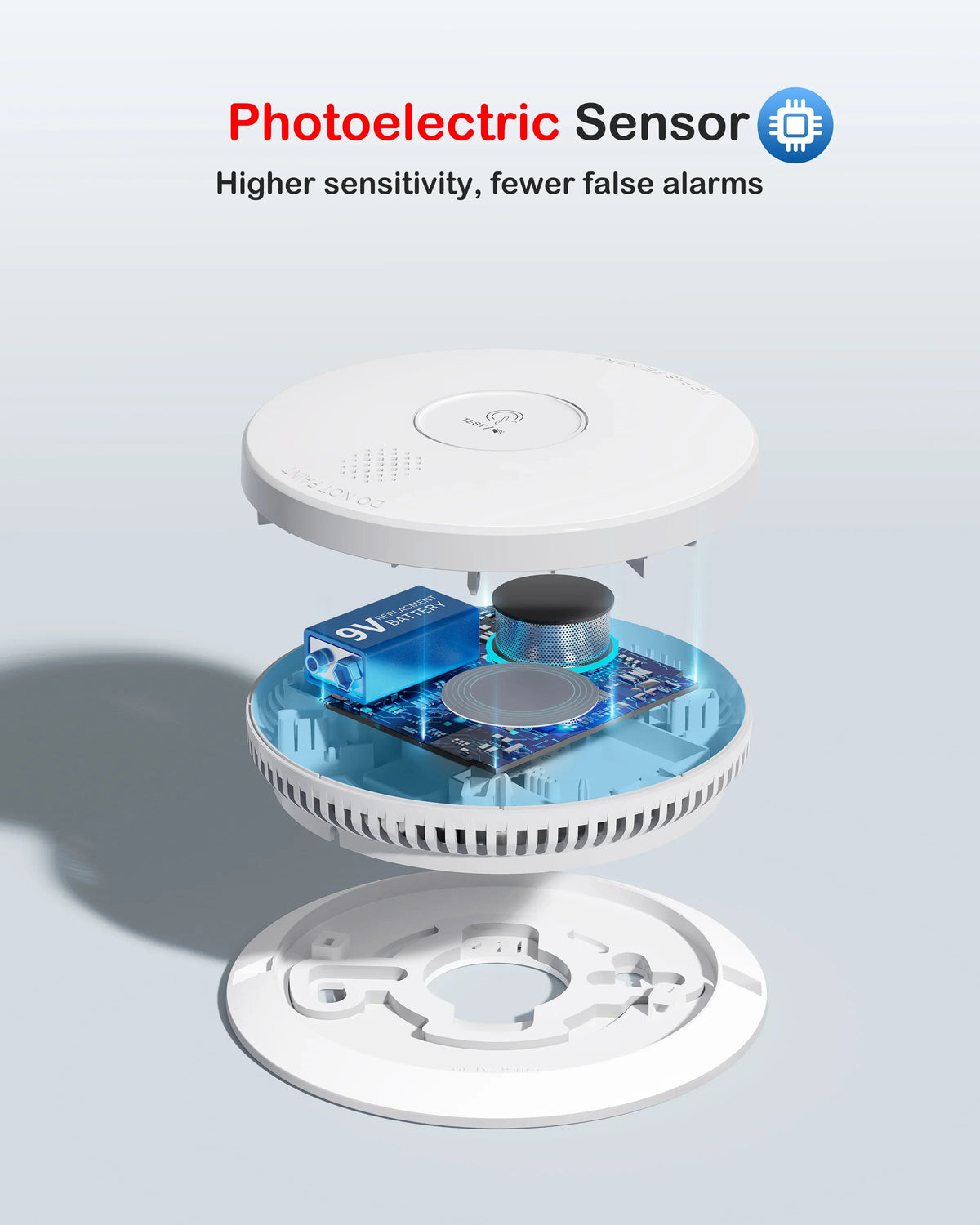
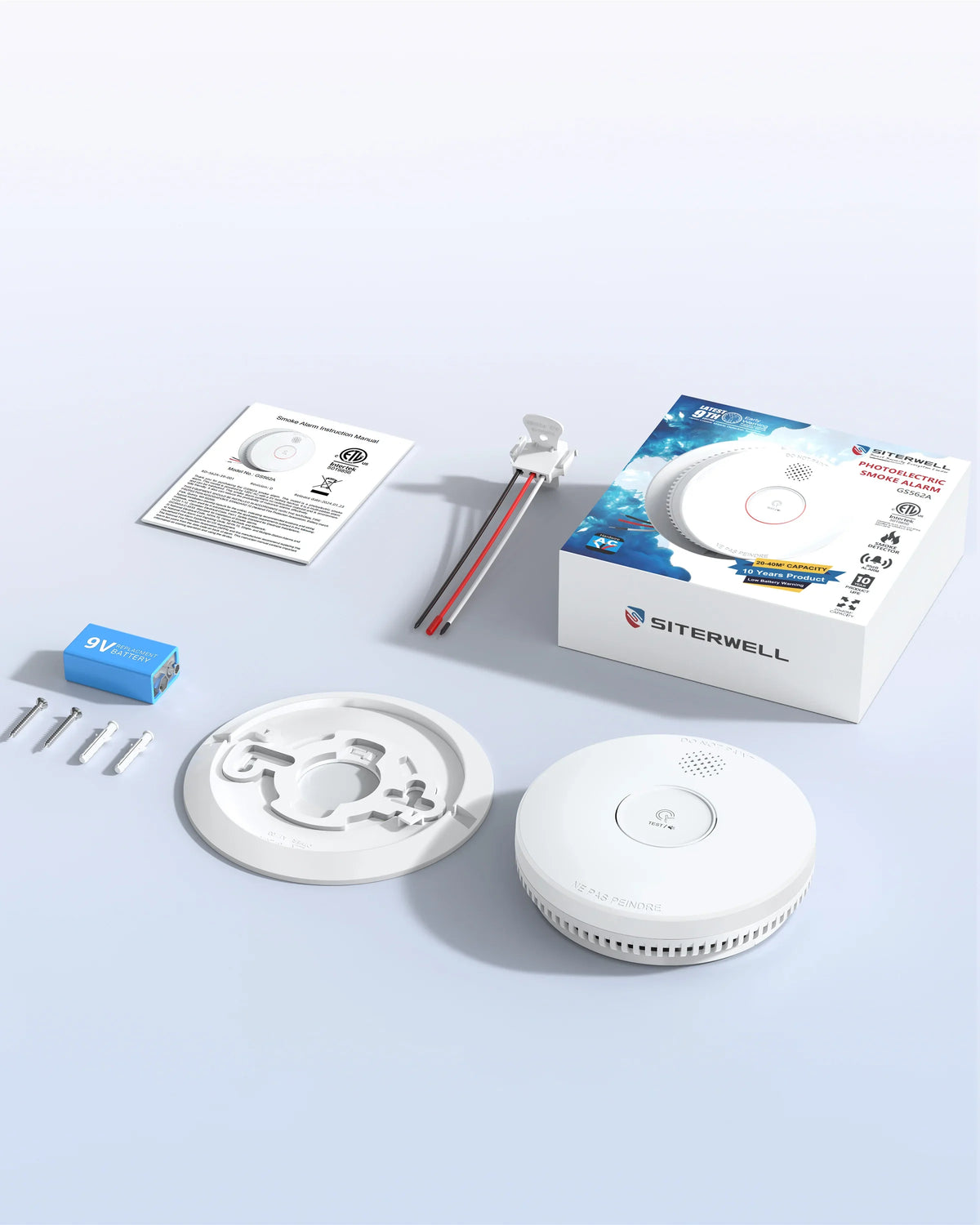
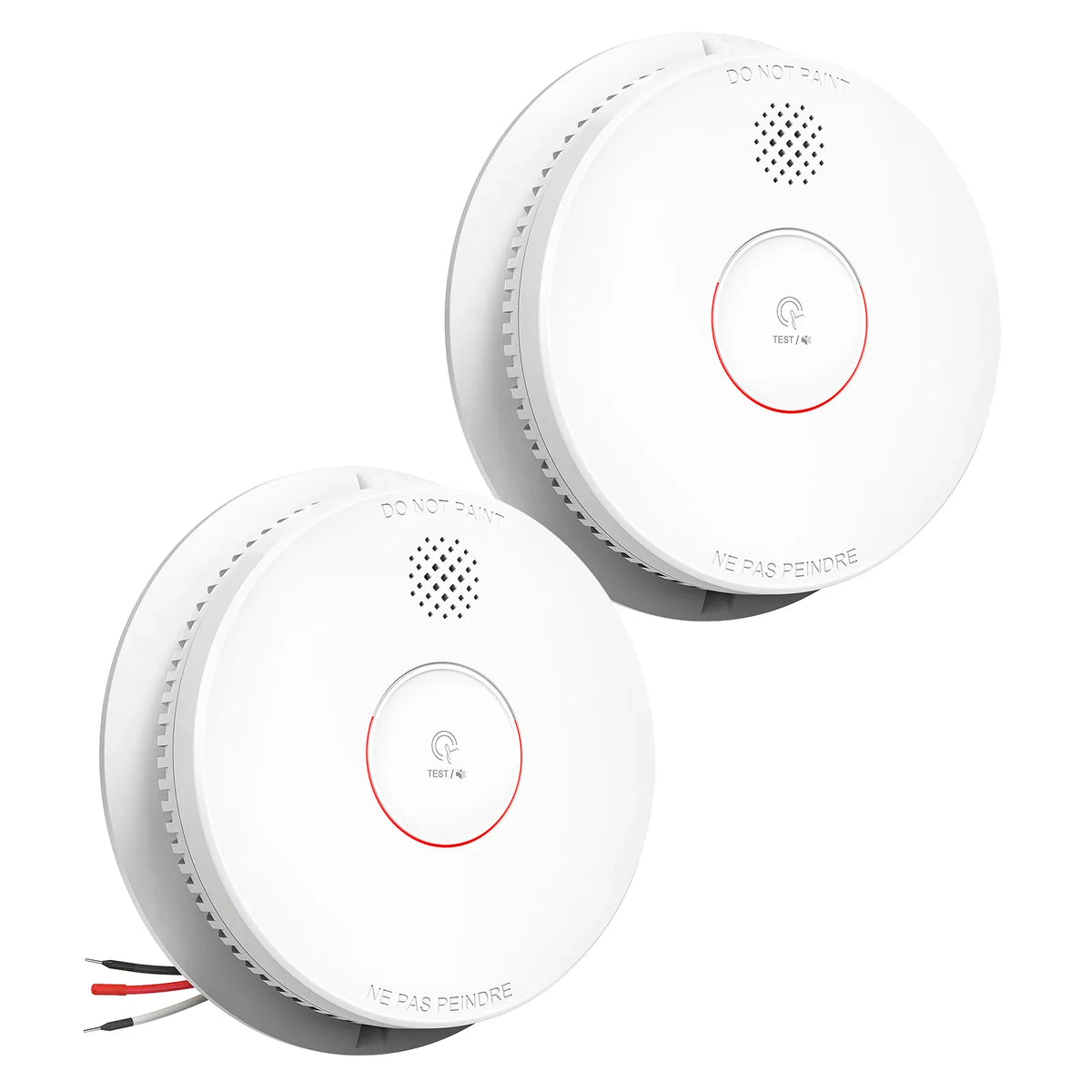
The SITERWELL GS562A is a hardwired smoke alarm for homes with a suitable alarm power supply and interconnect wiring. A 9V backup battery supports operation during a power interruption, while the test and silence button keeps routine checks accessible.
Key features
- 120V AC power: Designed for a 120V, 60Hz household supply.
- 9V battery backup: Maintains backup power when the battery is correctly installed and in working condition.
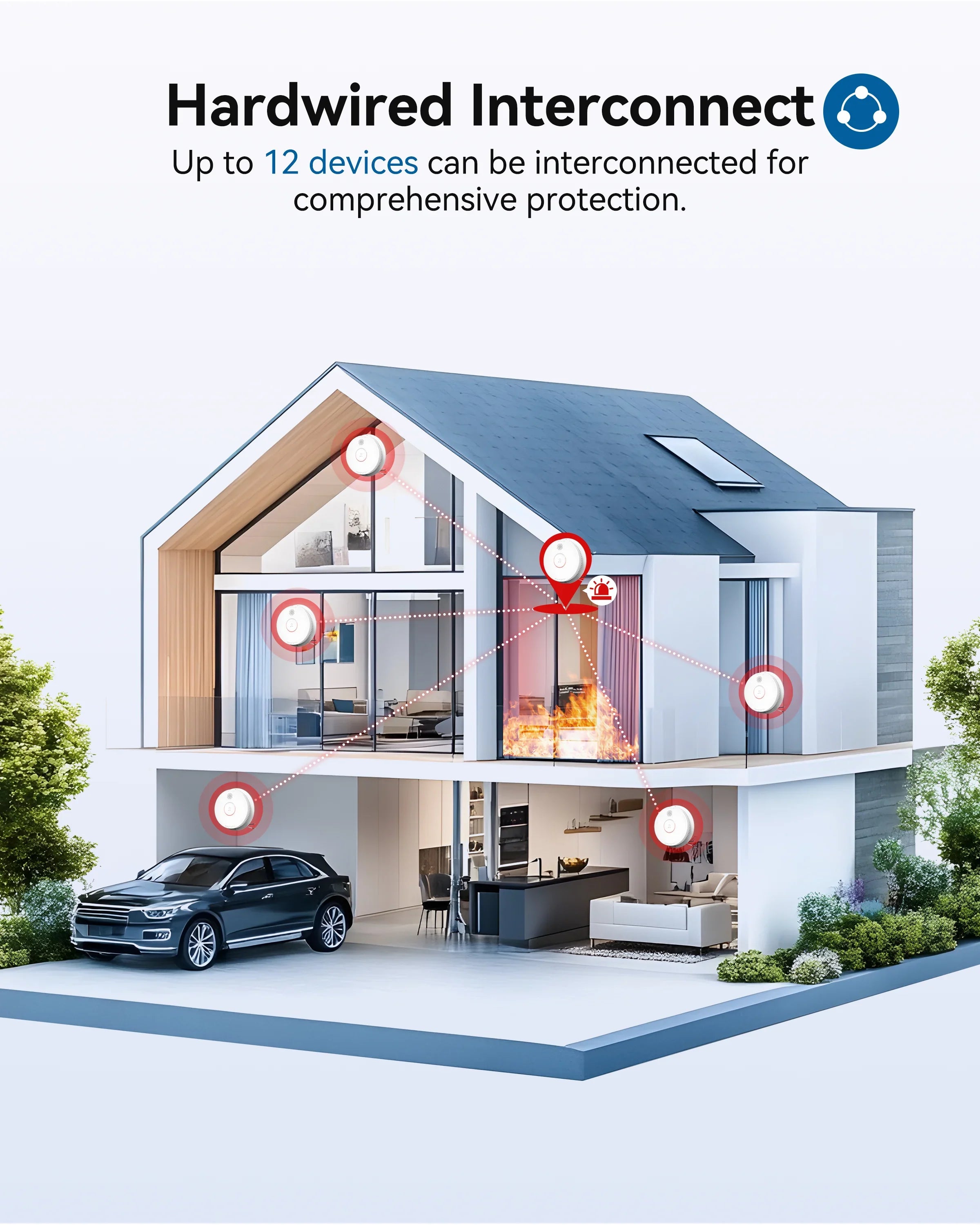
- Wired interconnection: Supports up to 12 compatible units installed according to the instructions.
- Test and silence button: Provides access to operational checks and the specified silence function.
- Single and multipack options: Choose the pack quantity for your installation plan.
- 10-year product life: The alarm is designed for up to ten years of service, with scheduled battery replacement.
- Silence for about 10 hours: Press the test button to silence low-battery or fault signals and avoid nighttime disturbance.
- Status indicators: In normal operation the green LED stays on and the red LED flashes periodically, such as every 40 seconds.
Choose your home safety setup
For separate CO detection alongside your smoke alarm circuit, add the GS846A plug-in carbon monoxide alarm, which operates independently. If your project calls for smoke and CO sensing in a single hardwired unit, compare the GS886F-H02 combination alarm.
Confirm wiring and model compatibility before installing or replacing interconnected alarms. The comparison link does not establish electrical compatibility with GS562A. Review the product installation manuals for the correct system configuration.
Protect Your Delivery
For extra protection against eligible physical loss, external damage or shortage while your order is in transit—and eligible theft after delivery within the coverage term—consider adding optional Shipsurance shipping insurance when it is offered at checkout. If you purchased this coverage and a shipping-related issue occurs, review the coverage rules and contact SureCircle first to file a claim or check claim status. Product setup, technical support, product defects and manufacturer-warranty questions remain with SITERWELL.
Customer Service
U.S. Customer Service Hotline: +1 800-710-7321
Monday–Friday, 9:00 AM–6:00 PM (EST)


About GS562A
- Wired interconnection:Up to 12 alarms can be connected. It is more accurate and stable than wireless interconnection.
- Silent Mode:Press the test button once to silence a false alarm for about 8 minutes; press and hold for 2 seconds to run the weekly test.
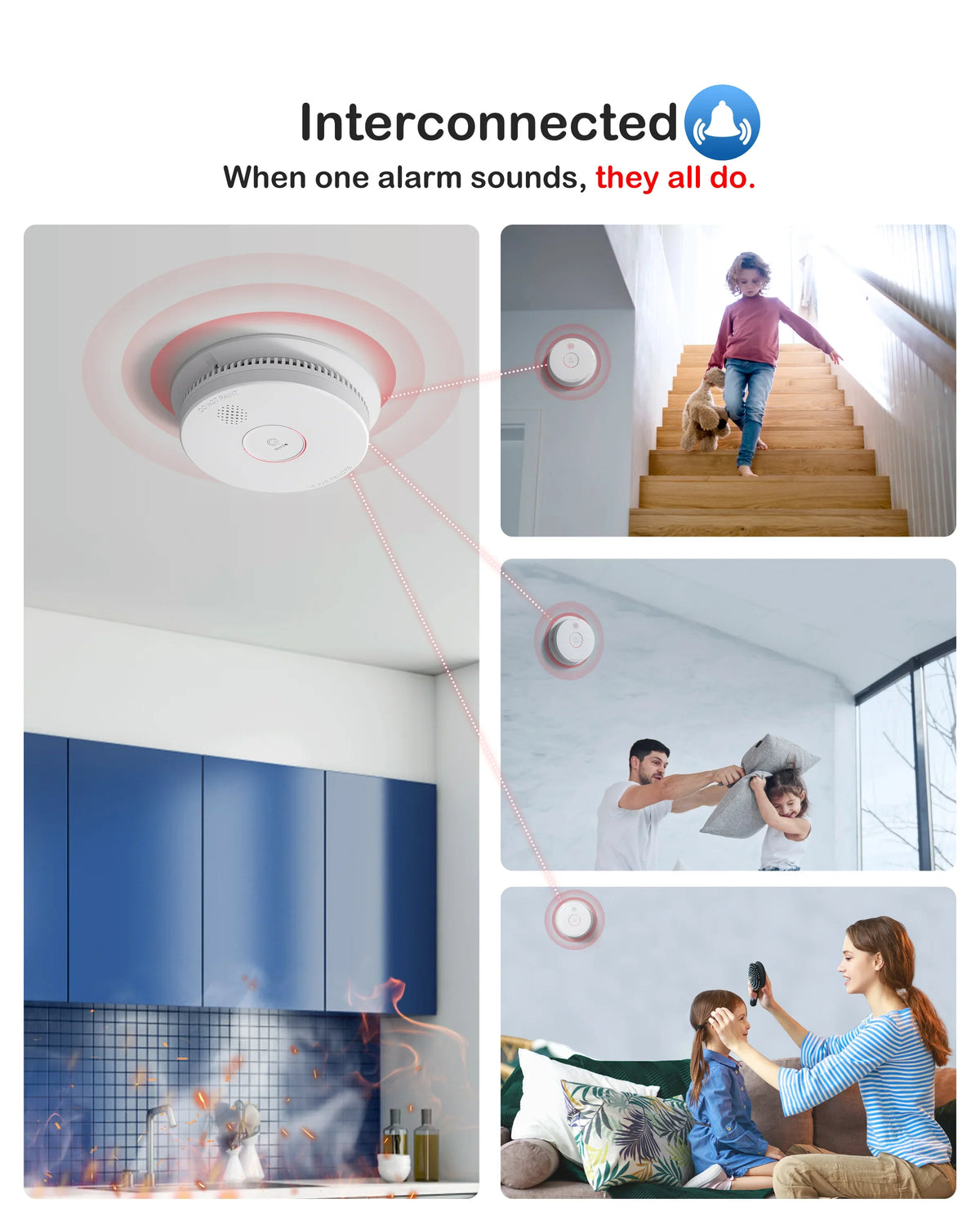
- Interconnection Test:Only one test button is needed for weekly testing, and the rest can be tested simultaneously.
- 9V Battery Backup:Powered by 120V AC with a 9V backup battery. When AC power fails, the backup sounds the alarm for at least 4 minutes; with a weak battery, protection can last up to 7 days. A missing battery means the alarm cannot operate.
GS562A
AC 120V/60Hz with DC 9V battery backup
ETL
> 85dB(A) @ 10ft
1 year
10-95%RH (non-condensing)
40°F (4.4°C) to 100°F (37.8°C)
up to 12 units
Φ144 x 38 mm (approx 5.67 x 5.67 x 1.5 in)
About 240g (battery included)
GS562A


SITERWELL GS562A Rendering Video


GS562A Installation Guide

Frequently asked questions
Does the GS562A work during a power outage?
Does the GS562A work during a power outage?
The GS562A runs on 120V AC with a 9V backup battery. When AC power fails, the backup can sound the alarm for at least 4 minutes. With a weak battery, the manual says protection may last up to 7 days; a missing battery means the unit cannot operate. These are backup limits, not 7 days of continuous alarm.
How many GS562A alarms can be interconnected?
How many GS562A alarms can be interconnected?
Up to 12 compatible GS562A alarms can be interconnected on a single AC circuit. When one alarm detects smoke, all interconnected alarms sound. All units must be supplied from the same power circuit.
What wiring does the GS562A require?
What wiring does the GS562A require?
It requires 120V AC line and neutral wiring plus a red interconnect wire. The manual specifies black for live, white for neutral and red for interconnect. Because this is line-voltage wiring, use a qualified electrician and follow local electrical codes.
How often should I replace the GS562A backup battery?
How often should I replace the GS562A backup battery?
The GS562A uses a replaceable 9V backup battery; the manual lists GP1604S and Eveready 1222. Replace it about once a year, and test the alarm weekly. A missing battery disables backup operation.
How do I test the GS562A?
How do I test the GS562A?
Press the TEST/SILENCE button until the alarm sounds, once a week. All interconnected alarms should sound. If the unit does not alarm when power is restored, replace it.
How do I silence a false alarm on the GS562A?
How do I silence a false alarm on the GS562A?
Press TEST/SILENCE on the initiating unit once to enter silence mode for about 8 minutes. The red LED confirms the silence status. Dense smoke overrides silence; never disconnect AC power to stop an alarm.
Where should I install the GS562A?
Where should I install the GS562A?
Install it on the ceiling or wall in each bedroom, outside each sleeping area and on every level of the home. Keep it at least 6 feet from cooking and heating appliances. Do not use it in an RV or boat.
Will cooking smoke set off the GS562A?
Will cooking smoke set off the GS562A?
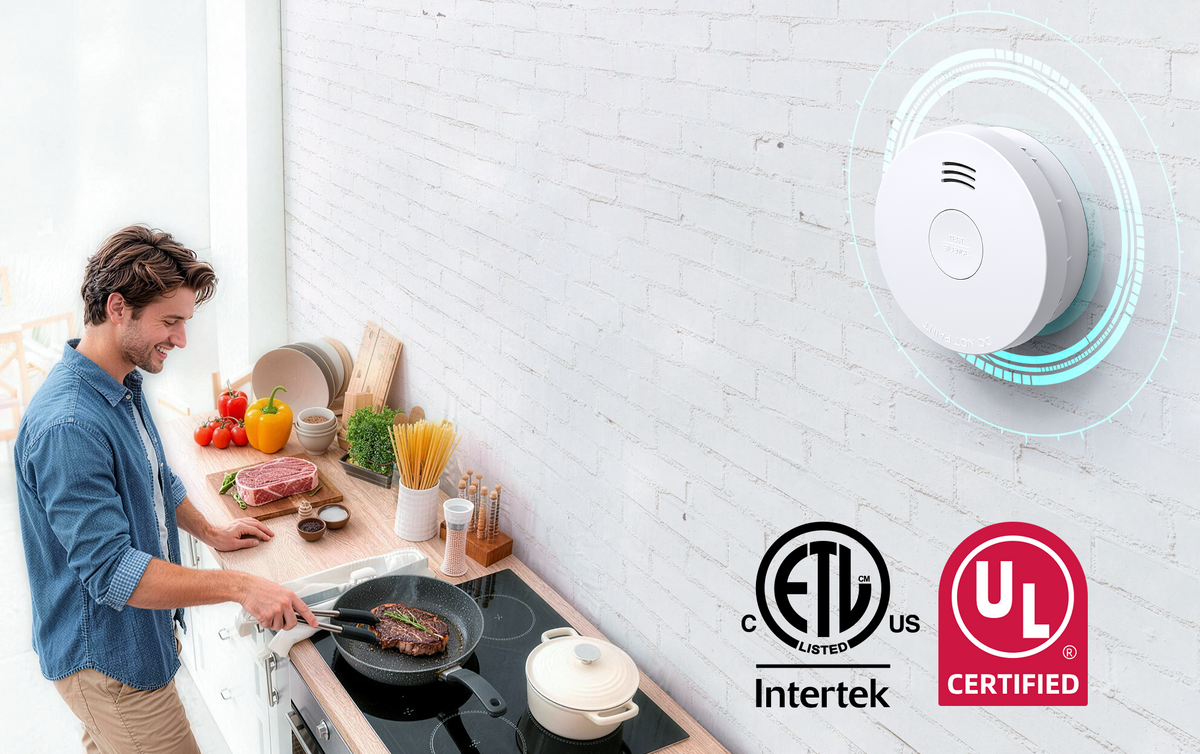
It can. The photoelectric sensor responds to smoke particles, but frying or broiling smoke can still trigger it if the unit is too close to the kitchen. Keep it at least 6 feet from cooking appliances. Because the alarms are interconnected, a kitchen nuisance alarm may sound all linked units; press TEST/SILENCE on the initiating unit and ventilate.
What should I do if the GS562A alarms?
What should I do if the GS562A alarms?
Treat every alarm as a real fire. Get everyone outside, call 911, and stay out until firefighters say it is safe. Because the alarms are interconnected, all linked units may sound; check which unit has the red LED, but evacuate first. Do not remove the battery or re-enter to look for smoke.
What standard and listing does the GS562A have?
What standard and listing does the GS562A have?
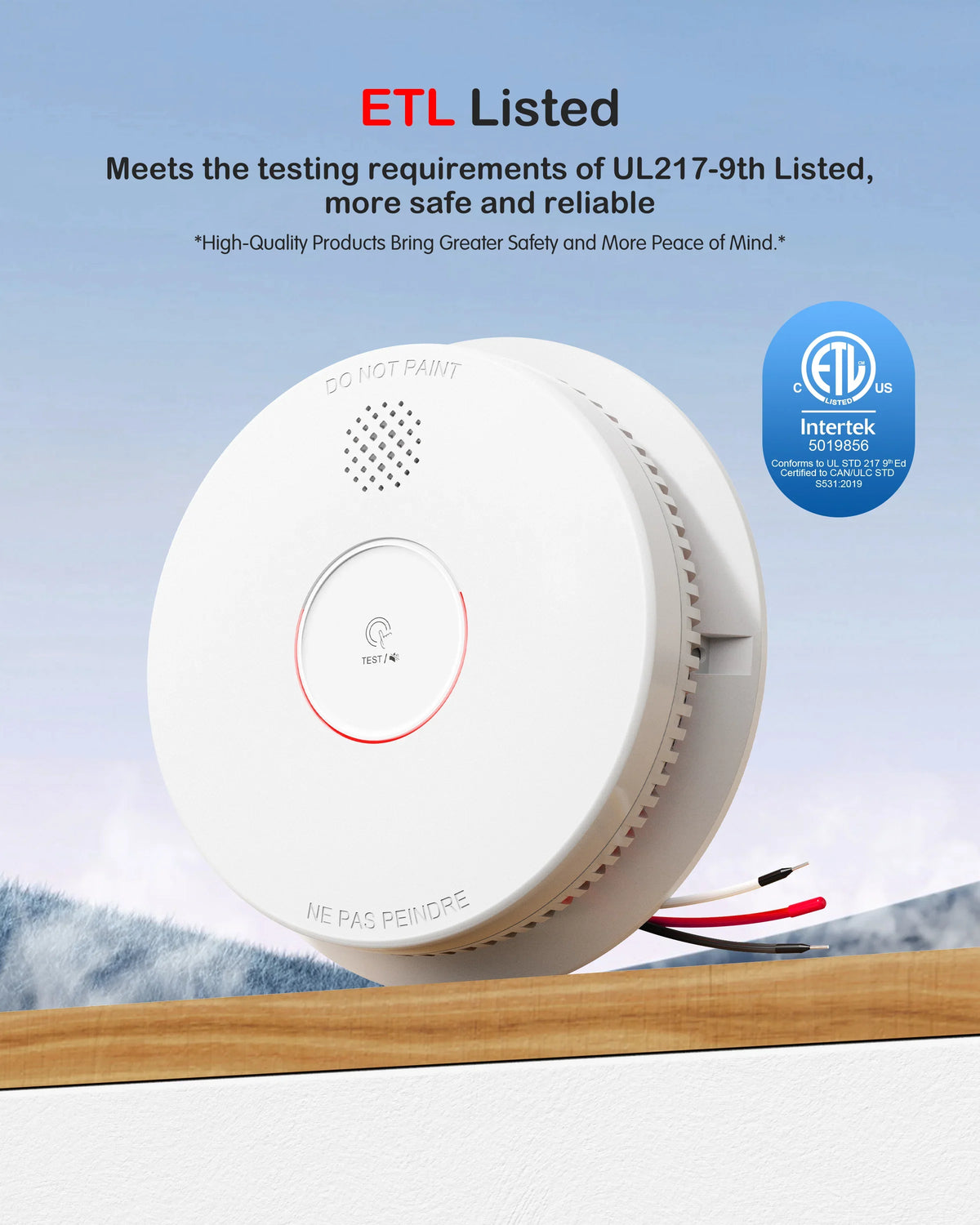
The manual cites UL 217 9th Edition and carries the Intertek listing number 5019856. Check the label and current manual for the current listing.
What does the warranty cover?
What does the warranty cover?
The manual states a 36-month warranty from the date of purchase. It covers material or production defects; keep your receipt for any claim.
You may also like


GS846A: Plug-in carbon monoxide detection with battery backupThe SITERWELL GS846A uses an electrochemical sensor to detect carbon monoxide and plugs into a suitable 120V household outlet. Battery backup and clear status indicators make it a practical addition to a home that already has smoke alarms.Key features Electrochemical CO sensor: Dedicated sensing for carbon monoxide. Plug-in power: Designed for 120V AC household power. Battery backup: Supports operation when AC power is interrupted, subject to battery condition. Color-coded indicators: Green indicates power, yellow indicates a fault and red indicates an alarm. Audible alarm: Provides a sound warning when an alarm condition is detected. Choose your home safety setupFor smoke detection alongside this CO alarm, choose the GS525A built-in battery smoke alarm or the GS509A smoke alarm. These products provide separate detection functions and operate independently.The GS846A detects carbon monoxide; smoke and combustible-gas detection require products designed for those hazards. Follow the supplied instructions for outlet location, backup-battery care and testing. For model guidance, contact SITERWELL.Protect Your DeliveryFor extra protection against eligible physical loss, external damage or shortage while your order is in transit—and eligible theft after delivery within the coverage term—consider adding optional Shipsurance shipping insurance when it is offered at checkout. If you purchased this coverage and a shipping-related issue occurs, review the coverage rules and contact SureCircle first to file a claim or check claim status. Product setup, technical support, product defects and manufacturer-warranty questions remain with SITERWELL. Customer Service U.S. Customer Service Hotline: +1 800-710-7321Monday–Friday, 9:00 AM–6:00 PM (EST)


GS886A-3NCDT: Standalone smoke and carbon monoxide protection in one alarm The SITERWELL GS886A-3NCDT combines smoke and carbon monoxide detection with bilingual voice alerts in one standalone alarm. It operates independently and does not support wireless interconnection with other alarms. Its built-in lithium battery and dual-sensor design make it a straightforward option for households that want two-hazard protection from a single device. Key features 2-in-1 smoke and CO detection: Smoke and carbon monoxide sensing functions are combined in one alarm. Standalone operation: Each GS886A-3NCDT operates independently and is not designed to interconnect with other alarms. English and French voice alerts: Spoken warnings provide additional alarm information alongside the audible alert. Built-in lithium battery: Sealed and non-replaceable; the alarm has a 10-year product life under the specified operating conditions. Optical smoke sensing: Multi-criteria optical sensing helps detect smoke conditions. Audible warning: Alerts occupants when the unit detects an alarm condition. Need interconnected alarms instead? If alarm-to-alarm interconnection is required for your home or project, compare the GS886A-3RFDT wireless interconnected smoke & CO alarm. For a hardwired interconnected option, explore the GS886F-H02 combination alarm. Always verify the exact model number and installation requirements before ordering. Follow the instructions supplied with your alarm for installation, testing and maintenance. Protect Your Delivery For extra protection against eligible physical loss, external damage or shortage while your order is in transit—and eligible theft after delivery within the coverage term—consider adding optional Shipsurance shipping insurance when it is offered at checkout. If you purchased this coverage and a shipping-related issue occurs, review the coverage rules and contact SureCircle first to file a claim or check claim status. Product setup, technical support, product defects and manufacturer-warranty questions remain with SITERWELL. Customer Service U.S. Customer Service Hotline: +1 800-710-7321Monday–Friday, 9:00 AM–6:00 PM (EST)


GS525A: Photoelectric smoke detection with a built-in 10-year battery The SITERWELL GS525A combines a photoelectric smoke sensor with a built-in, non-replaceable lithium battery and a 10-year product life. Its standalone design suits homes looking for battery-powered smoke detection without household alarm wiring. Key features Built-in lithium battery: Sealed and non-replaceable; the alarm has a 10-year product life, subject to operating conditions and the supplied instructions. Photoelectric sensor: Uses light-based sensing to detect smoke. Low-battery and fault warnings: Help identify when the alarm needs attention. Test and silence button: Makes routine checks and the specified silence functions accessible. Flexible mounting: Screws are included for wall or ceiling installation; the adhesive option ships as either 3M tape or a magnetic pad, selected at random. Choose your home safety setup Add the GS846A plug-in carbon monoxide alarm for independent CO detection alongside your smoke alarms. For a replaceable-battery smoke alarm, compare the GS509A smoke alarm. For setup, placement and routine testing, follow the instructions supplied with your alarm. Browse our product user manuals for model-specific guidance. For a photoelectric vs ionization comparison, see our guide. Protect Your Delivery For extra protection against eligible physical loss, external damage or shortage while your order is in transit—and eligible theft after delivery within the coverage term—consider adding optional Shipsurance shipping insurance when it is offered at checkout. If you purchased this coverage and a shipping-related issue occurs, review the coverage rules and contact SureCircle first to file a claim or check claim status. Product setup, technical support, product defects and manufacturer-warranty questions remain with SITERWELL. Customer Service U.S. Customer Service Hotline: +1 800-710-7321Monday–Friday, 9:00 AM–6:00 PM (EST)