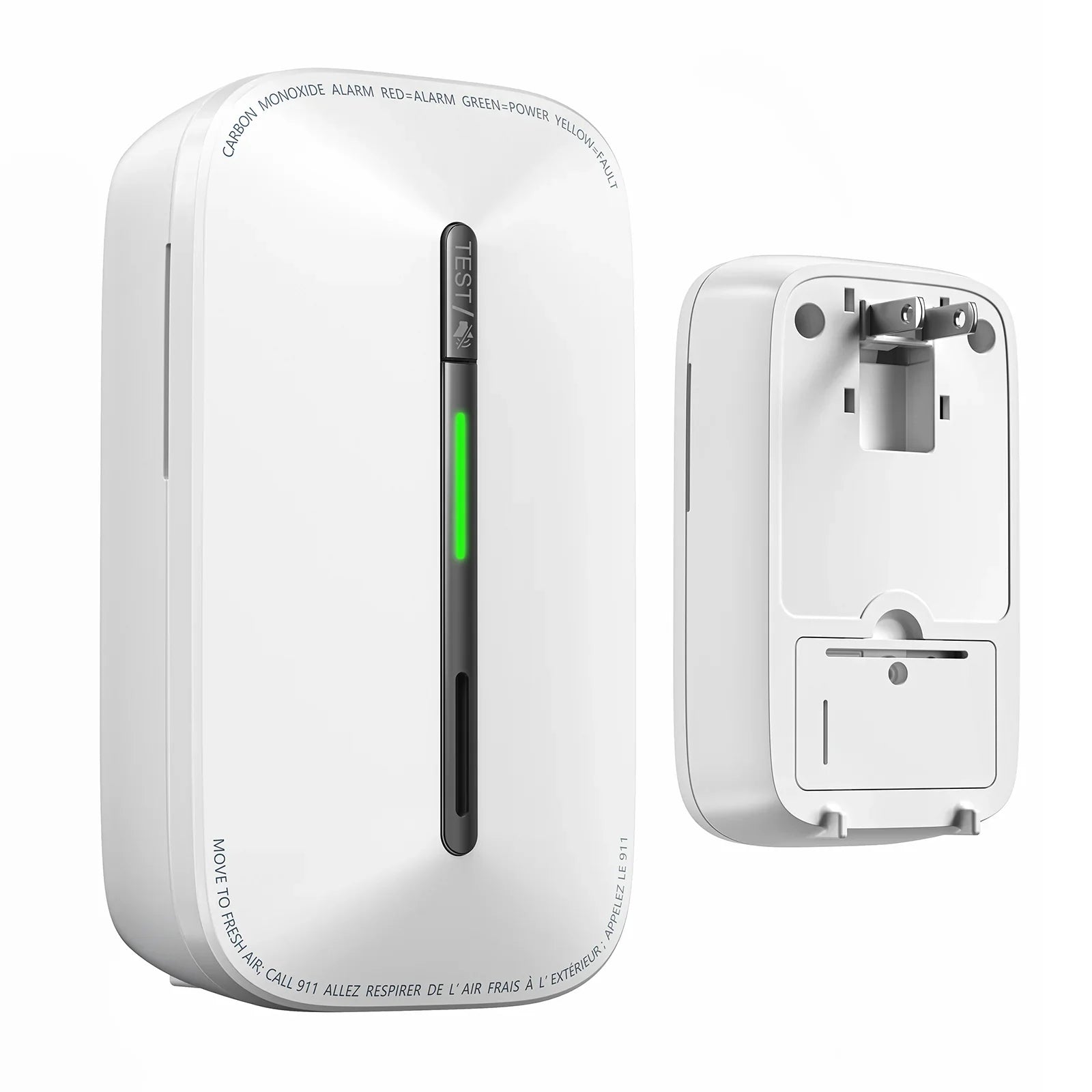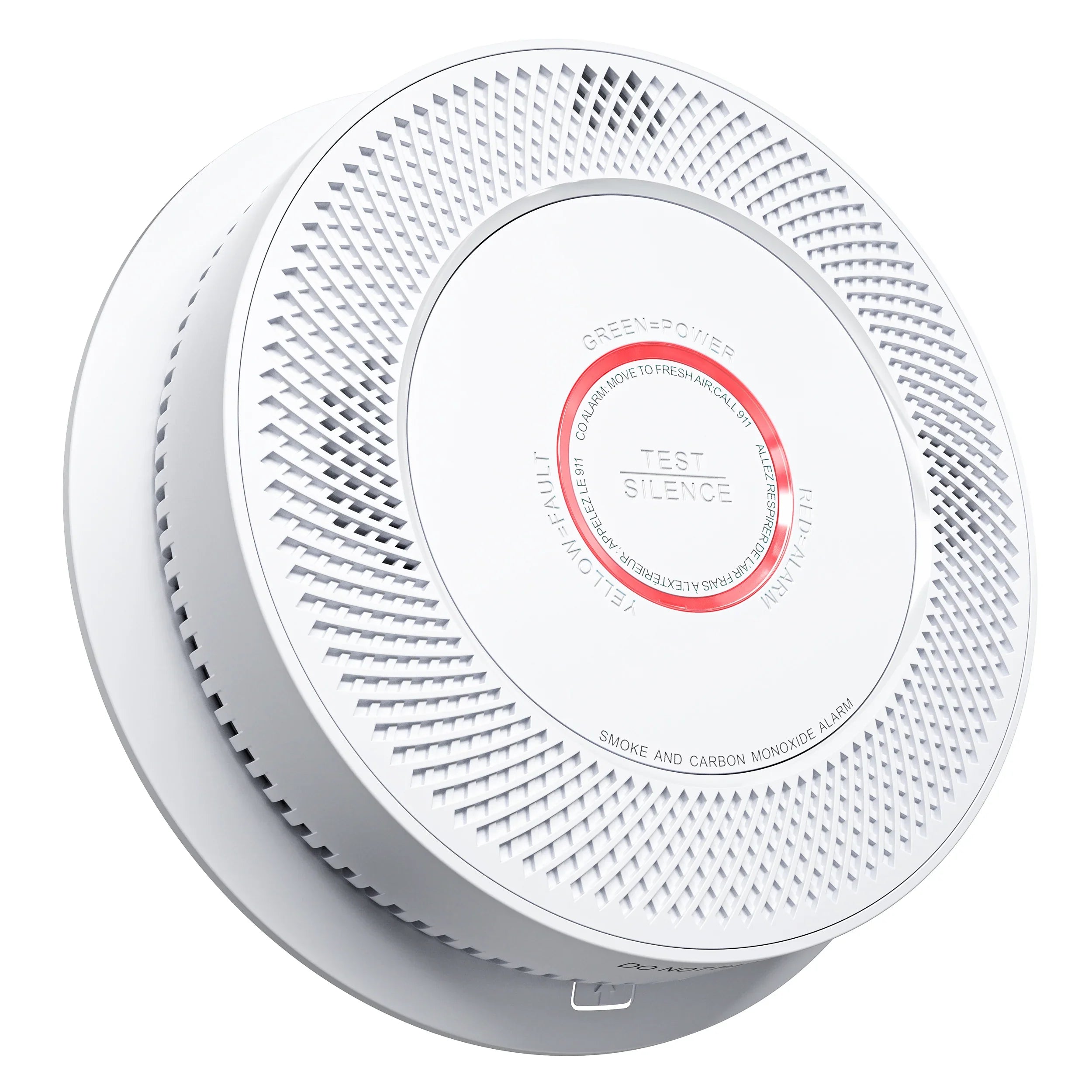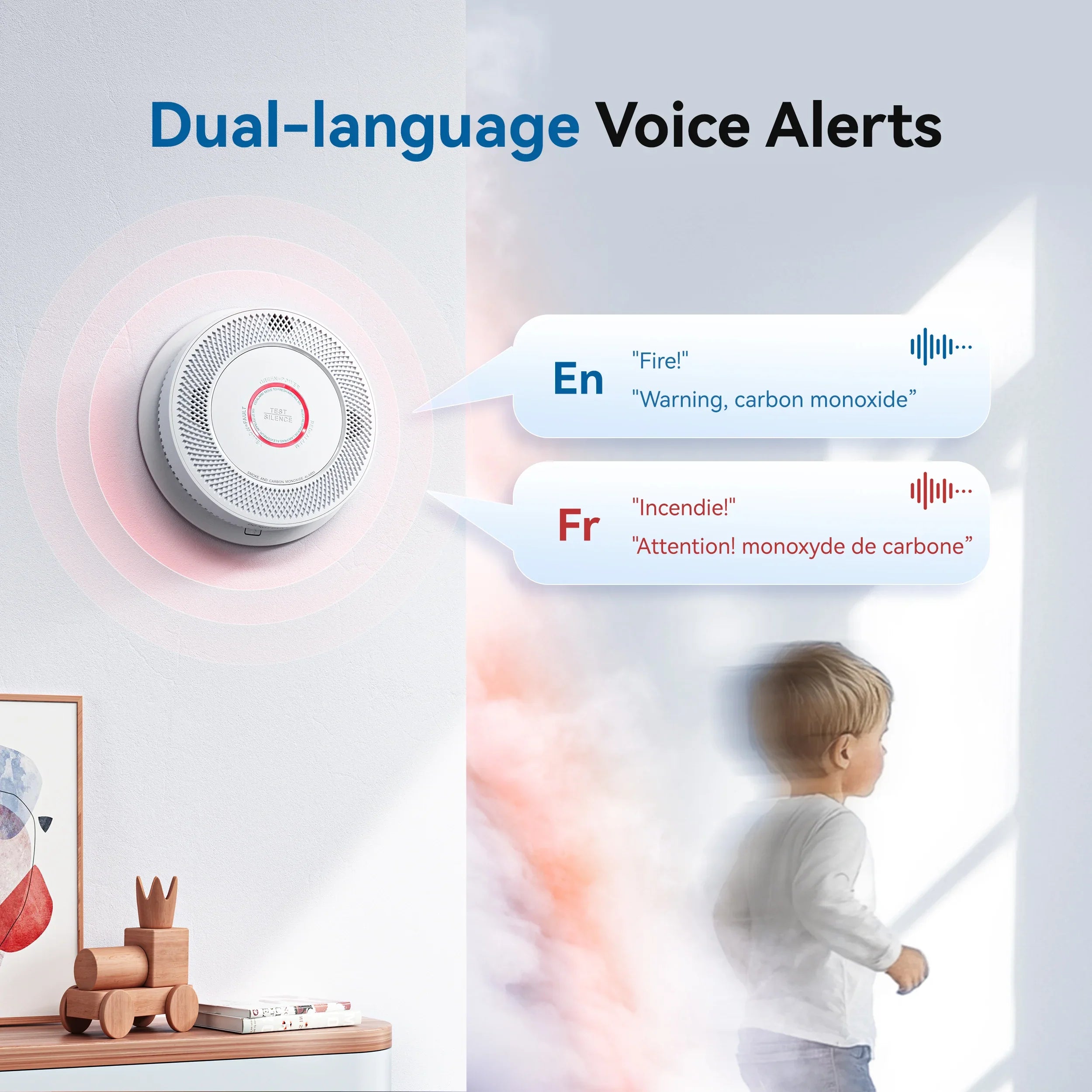




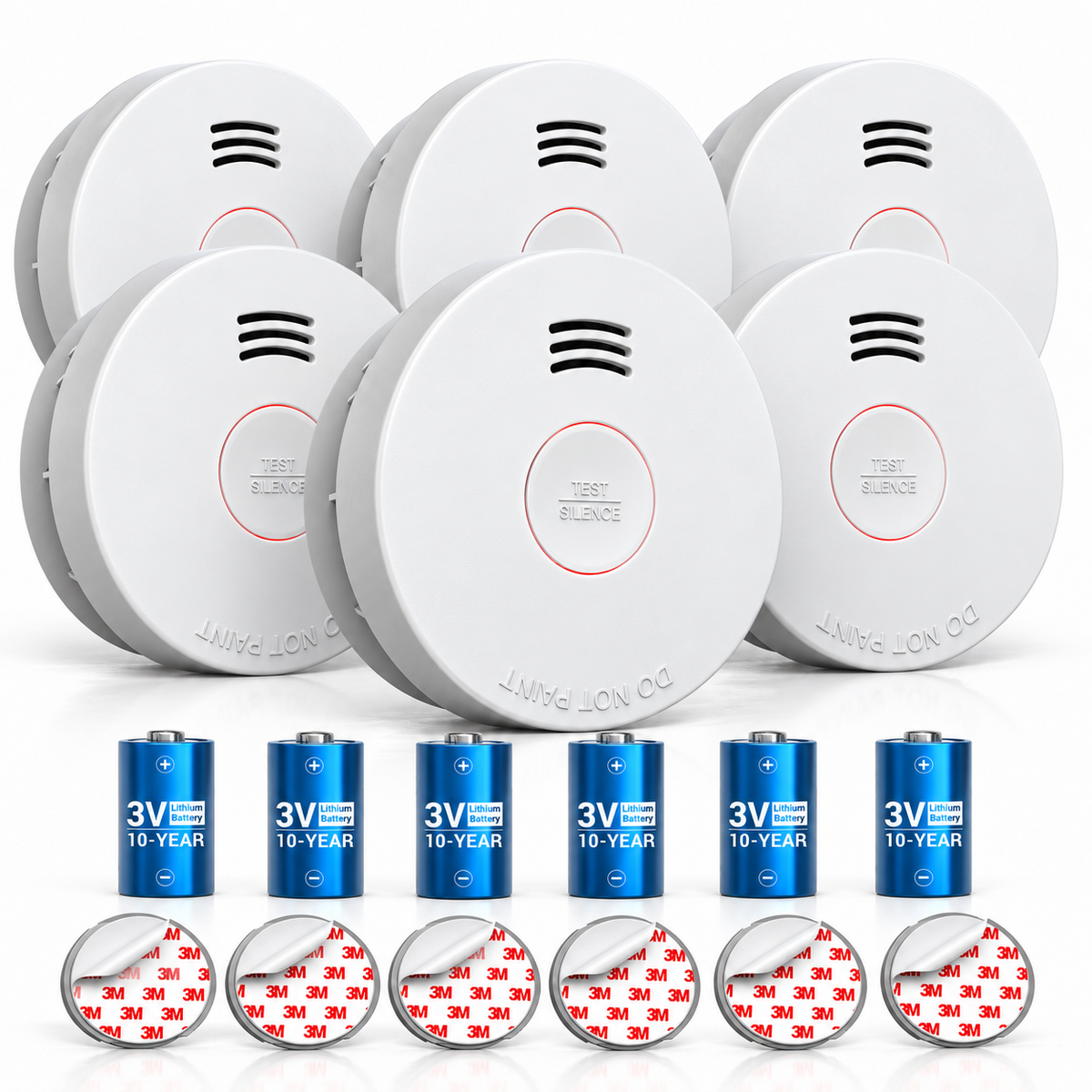

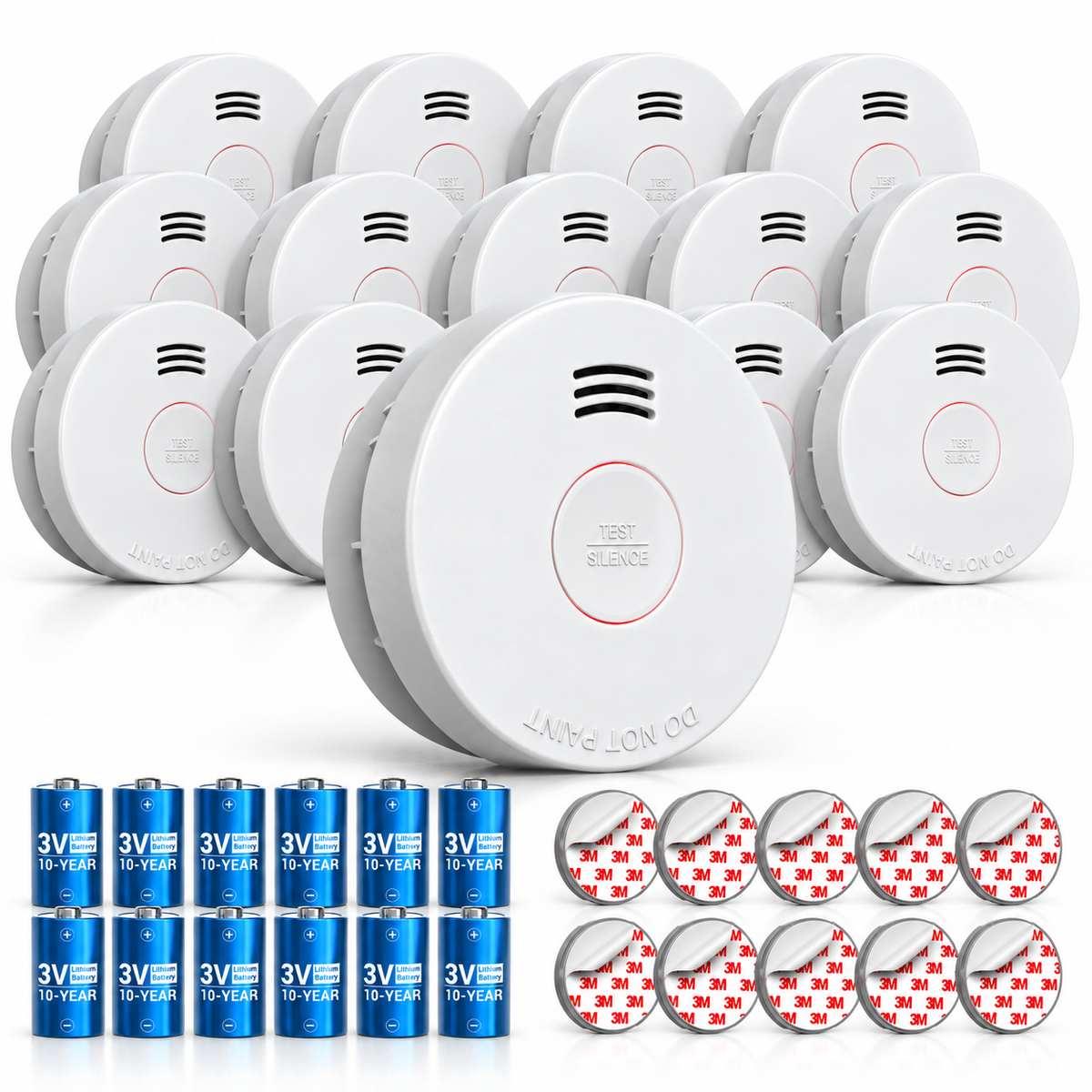
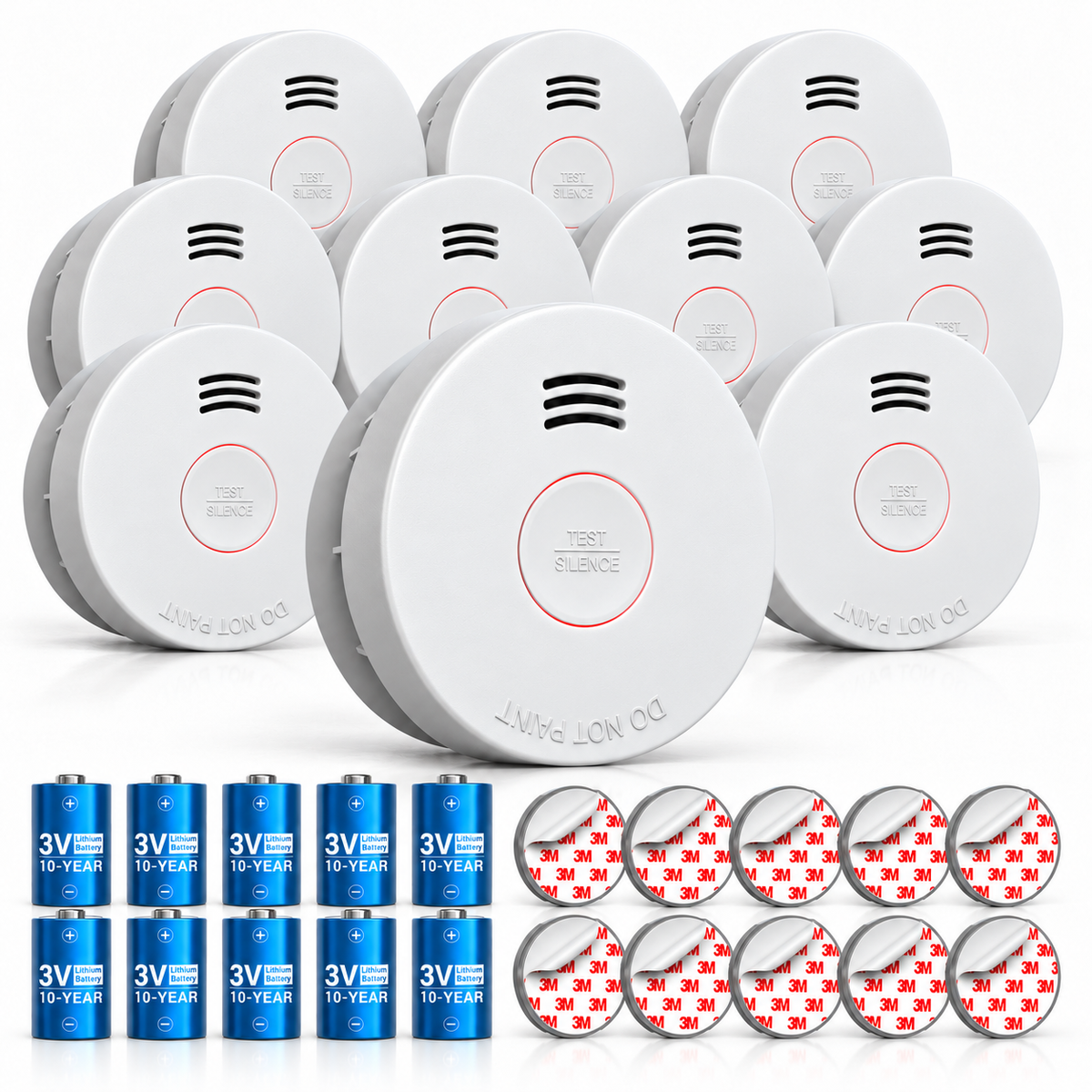
GS525A 10-Year Battery Photoelectric Smoke Detector
About GS525A
- Activate Before Installation:Pull the battery tab to activate and ensure proper function.
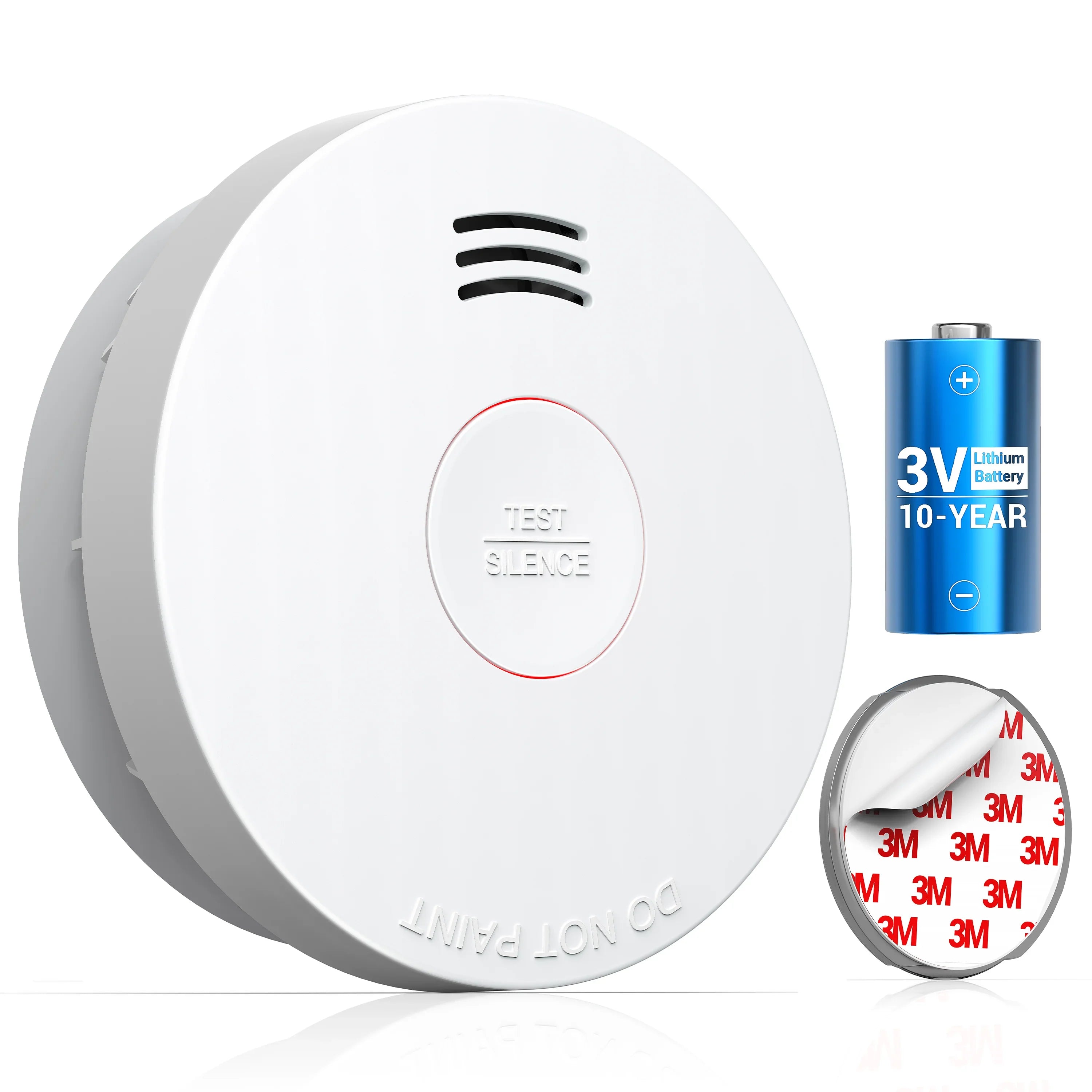
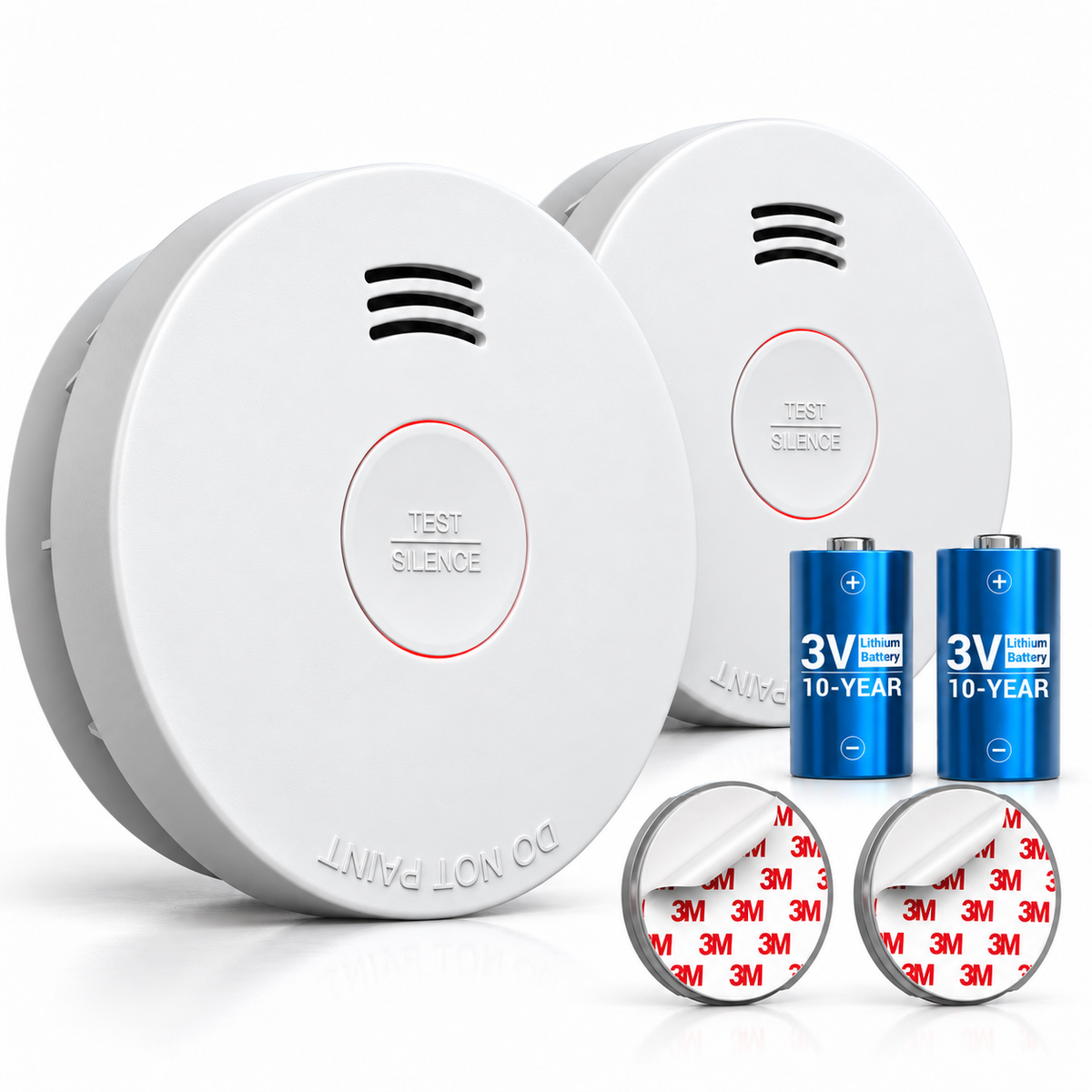
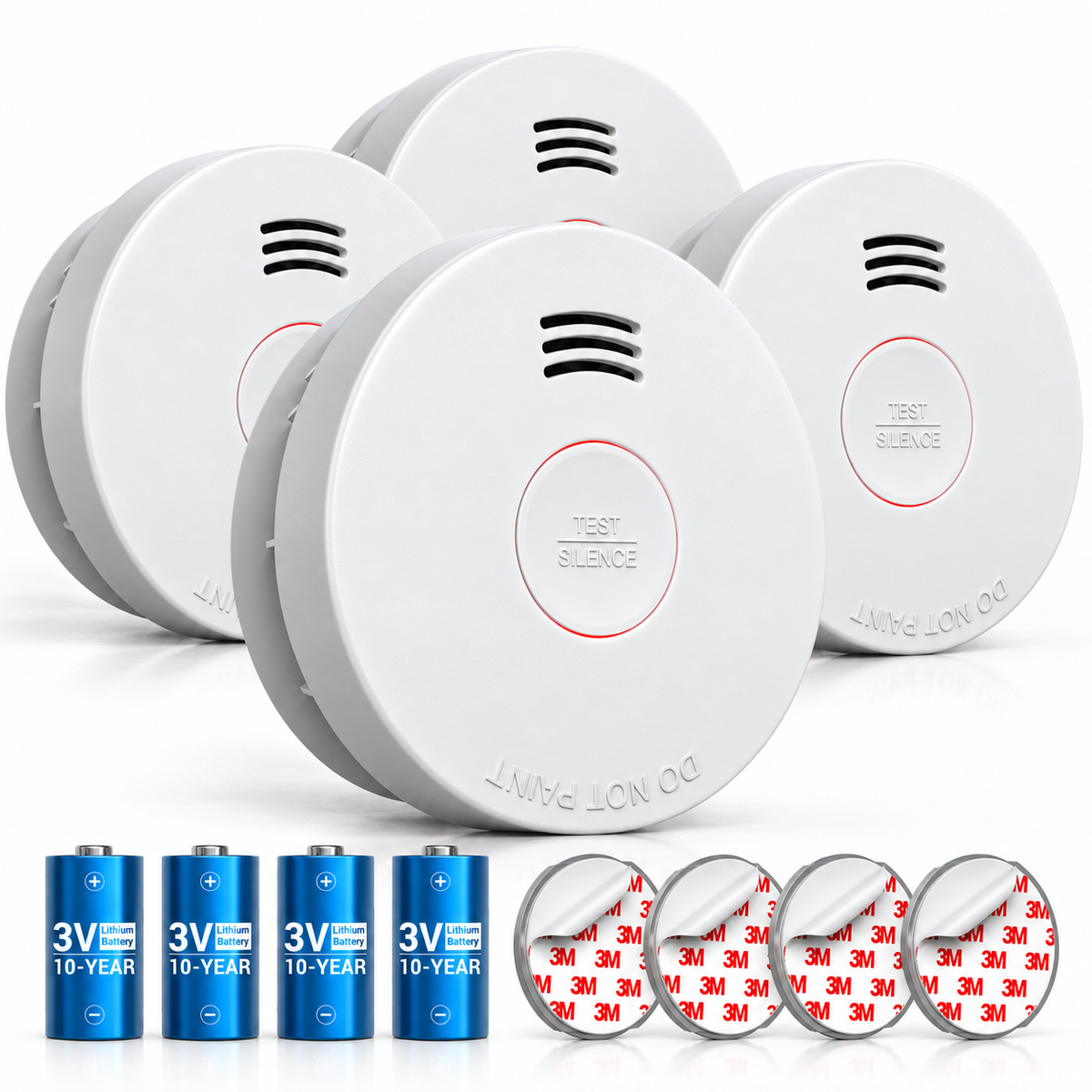
- 10-Year Product Life:Built-in, non-replaceable 3V lithium battery; replace the complete alarm every 10 years.
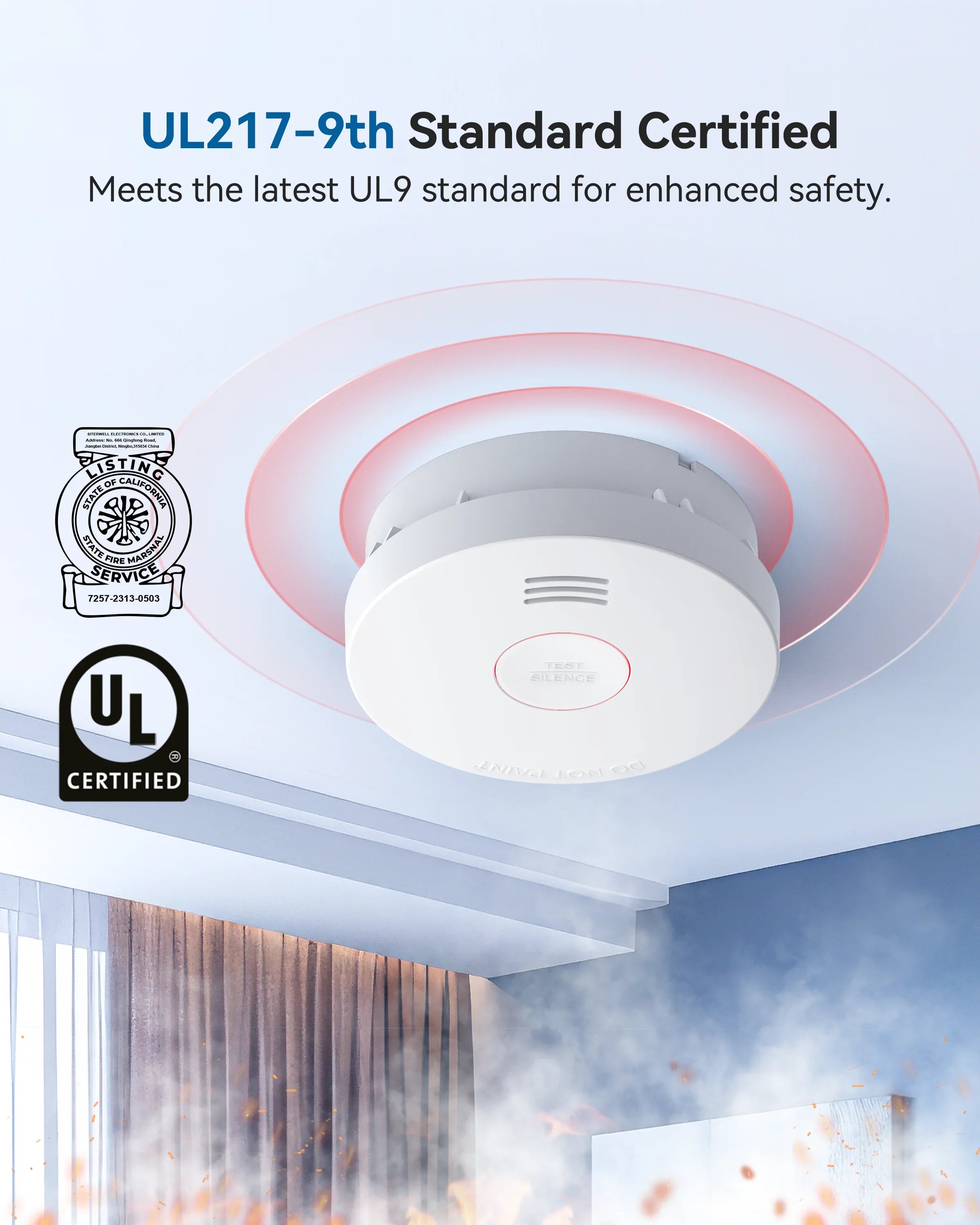
- UL 217 and CAN/ULC S531-19:Photoelectric sensor detects slow smoldering fires for enhanced safety.
- Test/Mute Button:Weekly test/mute button for easy maintenance without disturbing rest.
- Easy Installation:Includes screws for quick wall or ceiling mounting; the adhesive option ships as either 3M tape or a magnetic pad, selected at random.
GS525A
DC 3V (built-in)
Conf. to UL STD 217 / Cert. to ULC STD S531-19
> 85dB(A) @ 10ft
DC 2.7V±0.1V
8±1 minutes
< 85% relative humidity (RH)
4.4°C to 37.8°C
3.94 inches in diameter and 1.38 inches in height
10 Years

GS525A

SITERWELL GS525A Rendering Video


GS525A installation guide

Frequently asked questions
Do I ever need to change the battery on the GS525A?
Do I ever need to change the battery on the GS525A?
No. The GS525A uses a built-in, non-replaceable 3V lithium battery. The manual says to replace the complete alarm every 10 years from the date code on the back. You do not replace the battery on its own.
Does the 10-year rating cover the battery or the whole alarm?
Does the 10-year rating cover the battery or the whole alarm?
The 10-year figure is the alarm's service life, not a separate battery rating. Because the battery is sealed and not replaceable, you replace the complete unit at end of life. It is not a 10-year warranty.
How do I activate the GS525A before installation?
How do I activate the GS525A before installation?
Pull the battery tab to activate the alarm before installation, then lock it onto the mounting bracket. Do not open the sealed battery compartment. If the unit does not sound on test, contact support.
How do I test and silence the GS525A?
How do I test and silence the GS525A?
Press the test button once a week; the alarm should sound. To silence a nuisance alarm, press TEST/SILENCE once; the silence period is about 8 minutes. Dense smoke overrides silence, so investigate any real smoke.
Why is my GS525A beeping?
Why is my GS525A beeping?
A chirp can mean low battery, a fault, or end of life. Because the battery is not replaceable, replace the complete alarm when it indicates end of life. If a new unit still chirps, contact support.
Where should I install the GS525A?
Where should I install the GS525A?
Ceiling mounting is preferred. Keep it at least 4 inches from the side wall; on a wall, 4–12 inches below the ceiling. Install at least 10 feet from cooking appliances, and do not use it in an RV or boat.
Will cooking smoke set off the GS525A?
Will cooking smoke set off the GS525A?
It can. The photoelectric sensor responds to smoke particles, but frying or broiling smoke can still trigger it if the unit is too close to the kitchen. Keep it at least 10 feet from cooking appliances; for a nuisance alarm, press TEST/SILENCE and ventilate. Do not remove the unit.
Does the GS525A interconnect with other alarms?
Does the GS525A interconnect with other alarms?
No. It is a standalone alarm. It does not support hardwired interconnection or wireless linking, so it protects only the area where it is installed. For whole-home coverage, choose an interconnected model.
What should I do if the GS525A alarms?
What should I do if the GS525A alarms?
Treat every alarm as a real fire. Get everyone outside, call 911, and stay out until firefighters say it is safe. Do not remove the battery or re-enter to look for smoke. If you know the alarm was caused by cooking, ventilate only after everyone is safe.
What standard is the GS525A listed to?
What standard is the GS525A listed to?
The manual lists UL 217 and certifies to CAN/ULC S531-19. Check the label and current manual for the exact edition.
Is the GS525A compliant with state 10-year battery laws?
Is the GS525A compliant with state 10-year battery laws?
The GS525A is listed to UL 217 and uses a sealed, non-replaceable battery in a unit rated for a 10-year service life. U.S. state and local requirements vary, and a product listing is not a legal determination. Confirm the rule for your jurisdiction before relying on this unit for a specific code requirement.
What does the warranty cover?
What does the warranty cover?
The manual states a 36-month limited warranty from the date of purchase. It covers material or production defects and excludes normal wear. Keep your receipt for any claim.
You may also like